
In the previous blog Python List, I have shown you why are we using the list? what the benefits? and how to use the python list?
In this blog, I am going to show you how to perform some operation on a python list.
How can you change the things on the list?
In this blog, you are going to see:
• Python – Add List Items
• Python – Remove List Items
• Python – Sort List
Python – Add List Items
You can add items to the list with the following methods:-
• Append Items
• Insert Items
• Extend List
• Add Any Iterable
1. Append Items
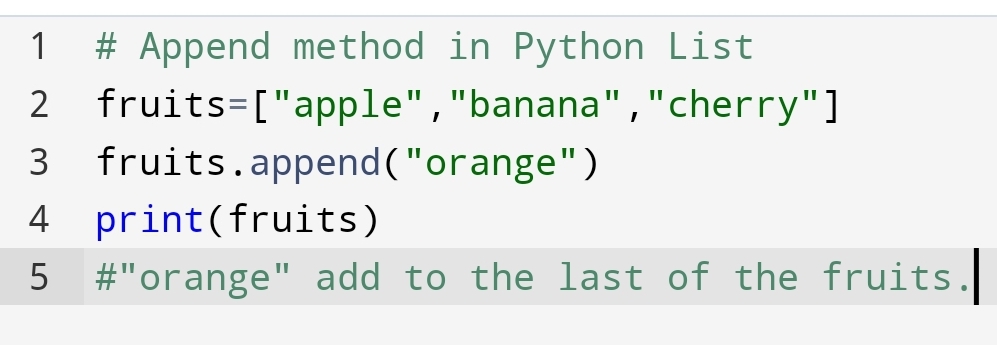
Suppose You have to add the item to the last of your list. Not middle and start but only in the last. You will use the Append method.
The append method takes only one argument append(value).
You will use the following code:-

2. Insert Items – Add at the specified position
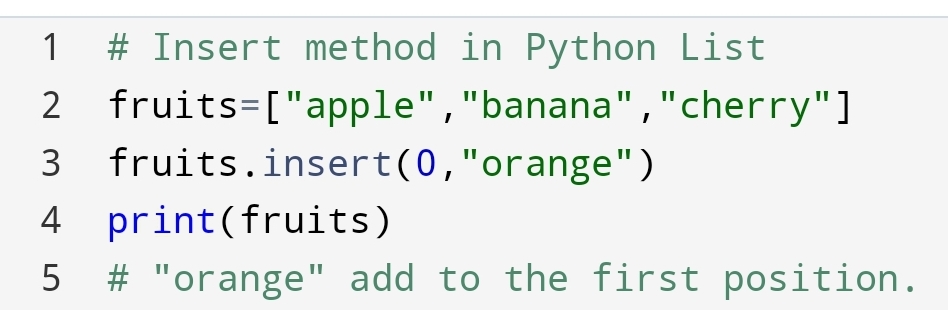
Suddenly, you think that “I need orange in the first place, I have to eat an orange first “. You will use the Insert method.
Insert method takes two argument insert(position, value).
See the code on how you can eat “orange” first.

3.Extend list – Connect the second list to the last of the first list
Instantly you think,” I don’t need only fruit, I need juice also “. So you will use the extend method.
Extend method takes only one argument. That argument is the second list, extend(second list).
See how can you drink also.
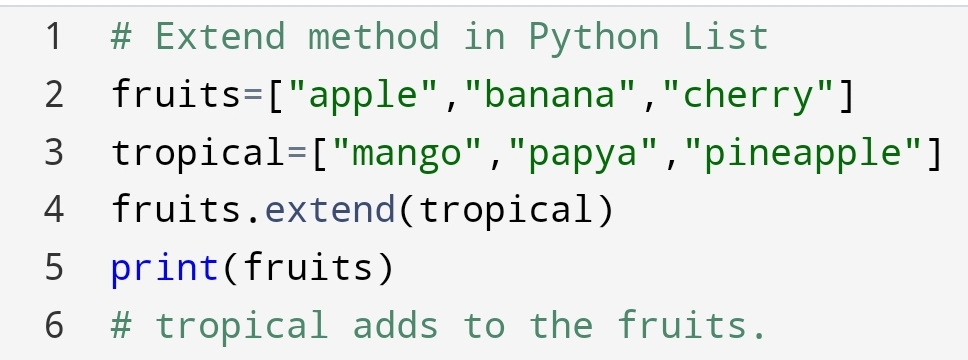

Here, you will observe the first and second list has combined and made a new list.
4.Add any Iterable
Suppose extend method will not add a list. It will use a tuple or dictionary. What will you do?
Not to worry, you can pass a tuple or dictionary to extend method, extend(tuple or dictionary).
See the code here:-


Python – Remove List Items
In this section, you are going to see:
• Remove particular Item
• Remove Item with help of Index
• How to Clear the List?
1. Remove Particular Item
In the eating of fruit list, you want to remove a “banana” fruit. How will you remove it?
You can remove it through the remove method. The syntax is removed(item).
You can code :-
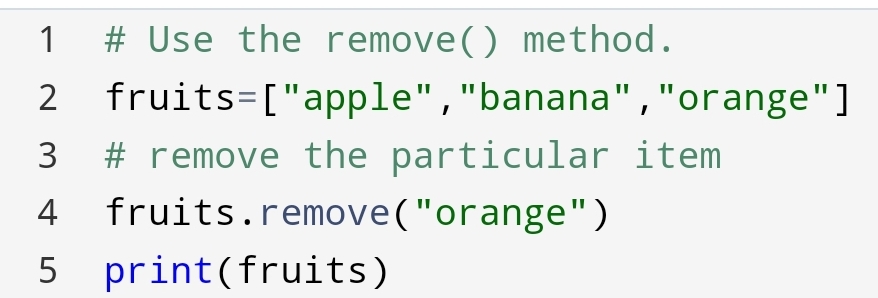

Here, you will observe that “orange” has removed from the list of fruits.
2. Remove Particular Index
Suppose you want to remove the item based on the position of the fruits. You can use the pop with index.
The syntax: pop(index)

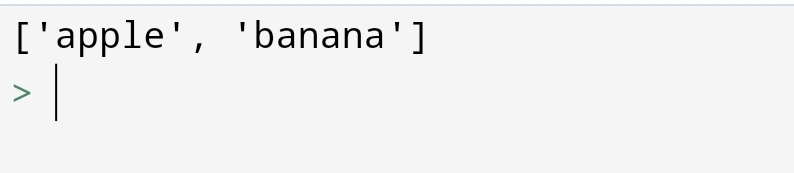
Here, we had removed the 2nd index that is “orange” fruit.
Suppose you will not give the index to the pop(). What will happen?
Let’s see what will happen!
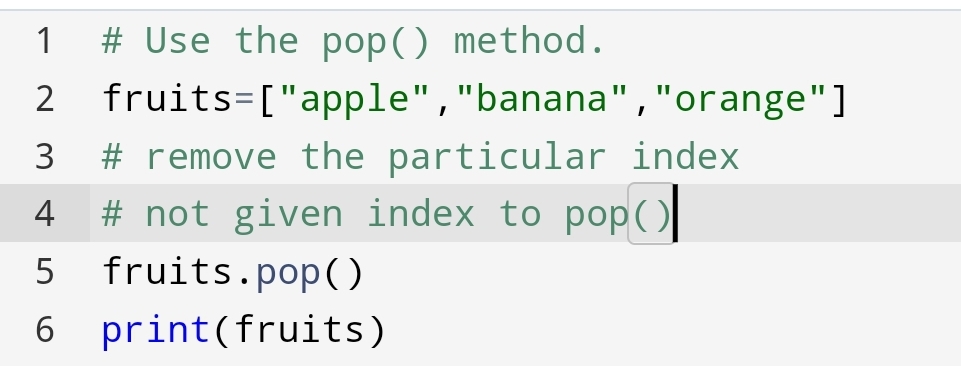
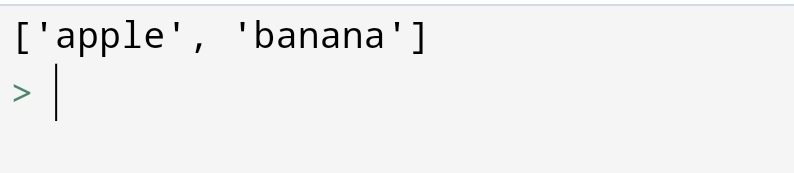
You had seen that pop() without index remove the last item from the list.
Using del keyword:
del keyword also removes the specified index.
The syntax of del is del variable[index].
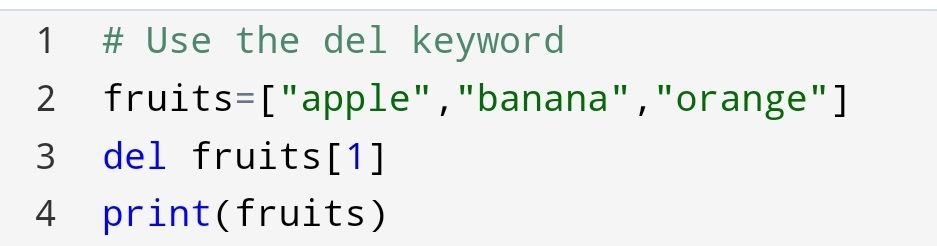
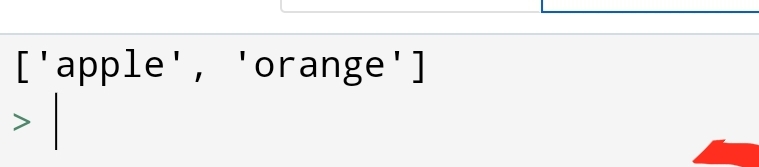
You had seen how the del keyword has deleted the “banana” from the list.
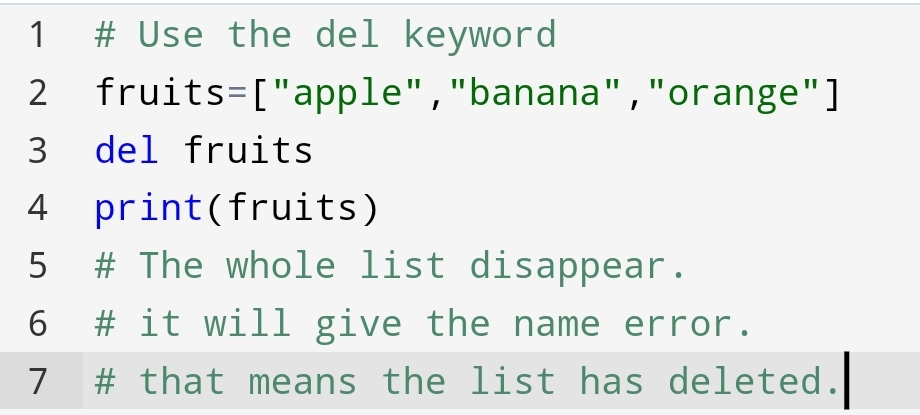
Suppose, you have to delete the list completely. How you will do?
You can do it with del keyword. del keyword delete the list completely.
Let’s see how you can code!

3.Clear the List
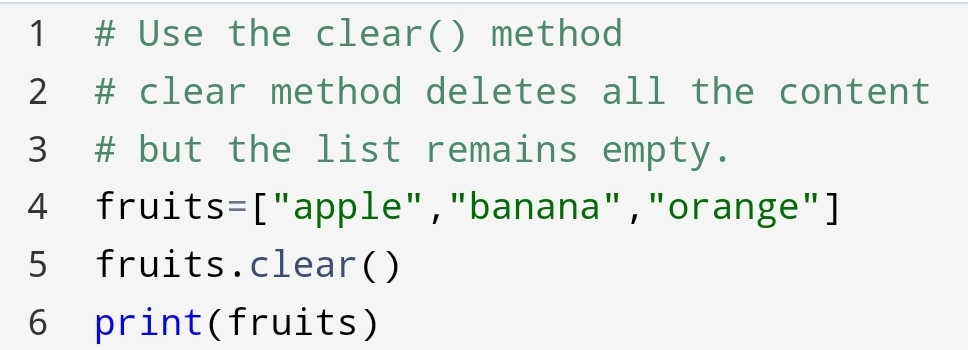
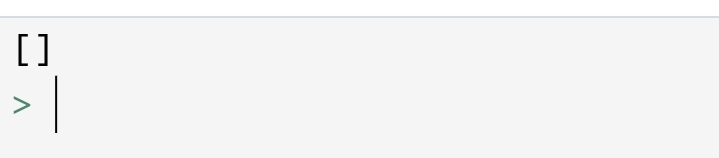
Instantly, you thought that you need a list, but it should be empty. so you can use clear() method.
The clear() method empties all the content of the list but the list remains. So, how can you do it?
It’s easy. See how can you do!
Python – Sort Lists
The list has a sort method that sorts the list in an alphanumeric way, ascending by default.
In this section, you will learn:-
• Sort list alphanumeric
• Sort Descending
• Case Insenstive sort
• Reverse Order
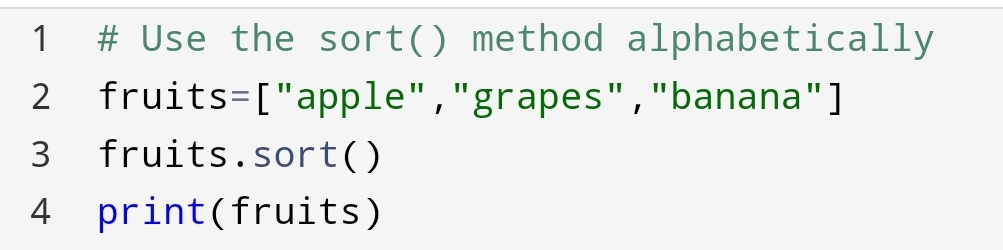
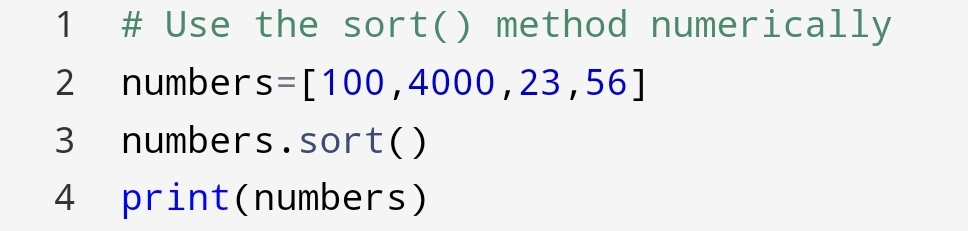
1.Sort List alphanumeric
In this method, you will sort the list based upon alphabets and numbers in ascending order.
Sort alphabetically:-

Sort numerically:-

2.Sort Descending
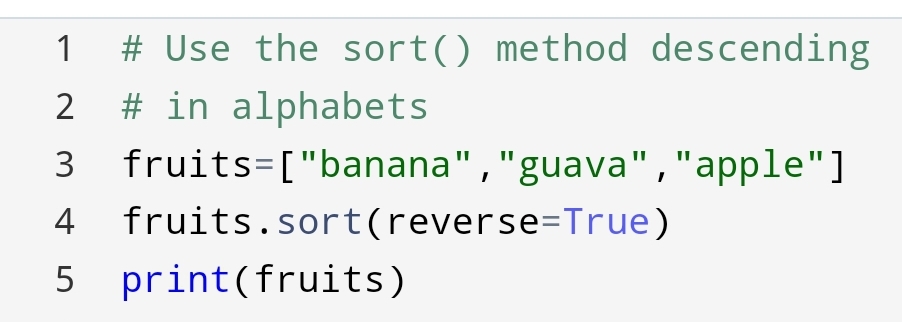
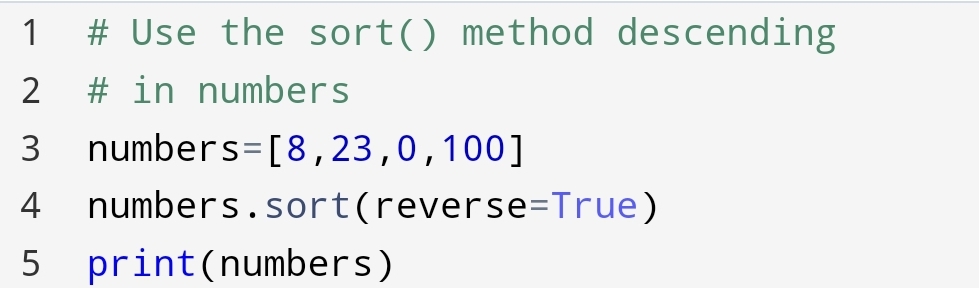
To Descends the alphabets and numbers we are using this method.
In this, we use the keyword argument reverse=True. This keyword reverses the order of alphabets and numbers.
Sort descending alphabets:-

Sort Descending Numbers:-

3.Case Insensitive sorts
Sort is case sensitive. The capital letter will come before the small letters, even the order of the capital letter is last.
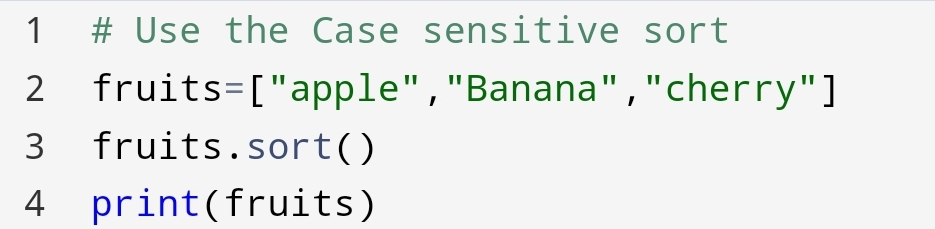

You have seen “Banana” has come before “apple”, even “apple” order is first.
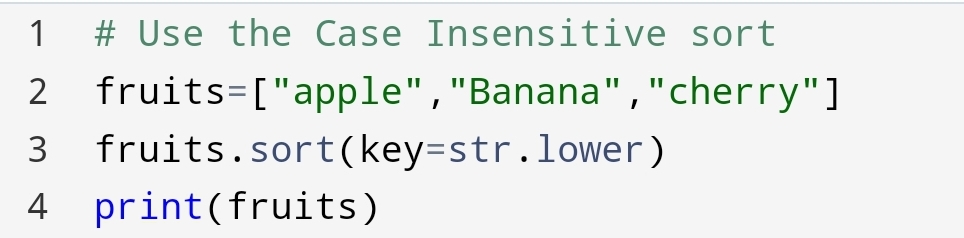
Suppose you need “apple” before “Banana” what you will do?
Let’s see what can you do!
You can pass an argument key=str.lower from sort. It will convert the list alphabetically.

4. Reverse Order
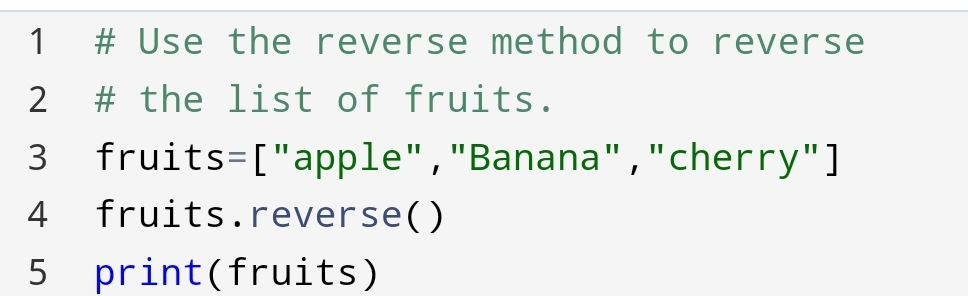
What if you want to reverse the list regardless of alphabets.
The reverse() method reverse the whole list.
You can do this with the following code:-

Conclusion:-
You can perform many tasks in the python list. Removing, adding, sorting and many other methods making interesting to list. You can make it as you want! No limitation to creativity just do it. It’s giving the main benefit of indexing. Indexing allows for duplicates. You can create data set as you want.
See also:
PythonOperators
https://vipulkunwar503.code.blog/2021/06/19/python-operators/
 Mr.Python