Python List: Copy, Join, Count and Index method

List method

In the previous blog, you had seen some Python List Operations.

Python enthusiastic generally avoid it. Think it is not so important. I am asking you why it’s not important?

Why It’s not so valuable to make a clone of the list, join the two list?

It’s a combination and transformation of one list to another list.

I am creating this blog post to show you how to join the list? How to find the elements in the list?

In this blog, you are going to see:-

• Python – Copy Lists

• Python – Join Lists

• Python – Count method

• Python – List Index method

∆ Python – Copy Lists

You can copy the list with following method:-

• using copy() method

• second is list() method

1.Copy Method

Image credit: wtmatter.com

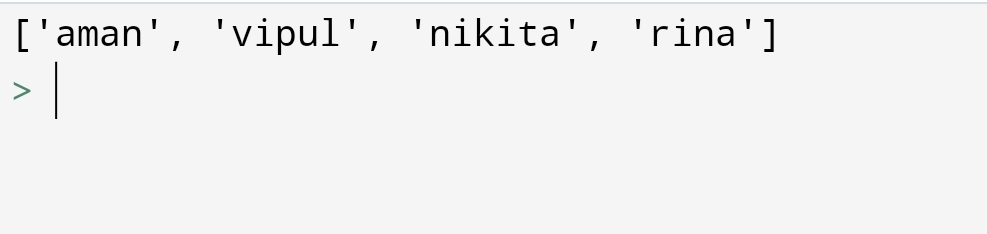
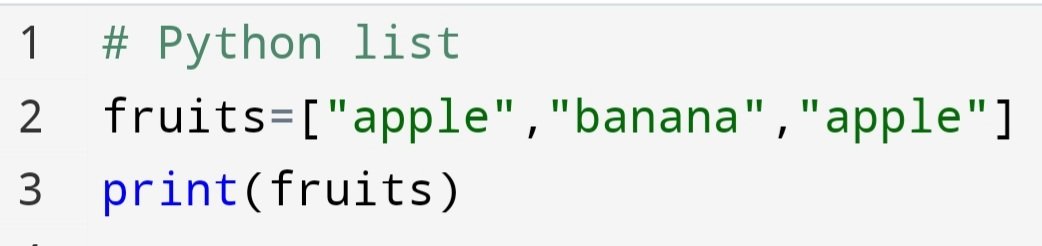
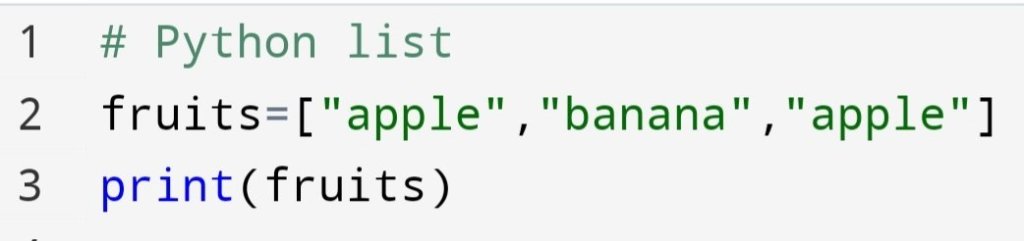
Copy method copies the first list into the second list. You can do it with code:
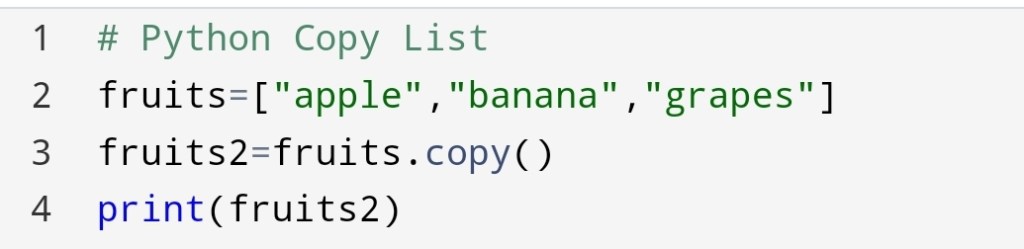
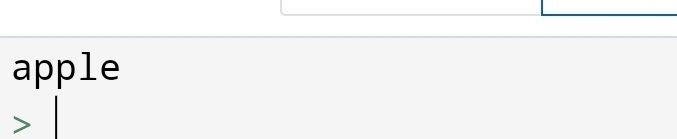
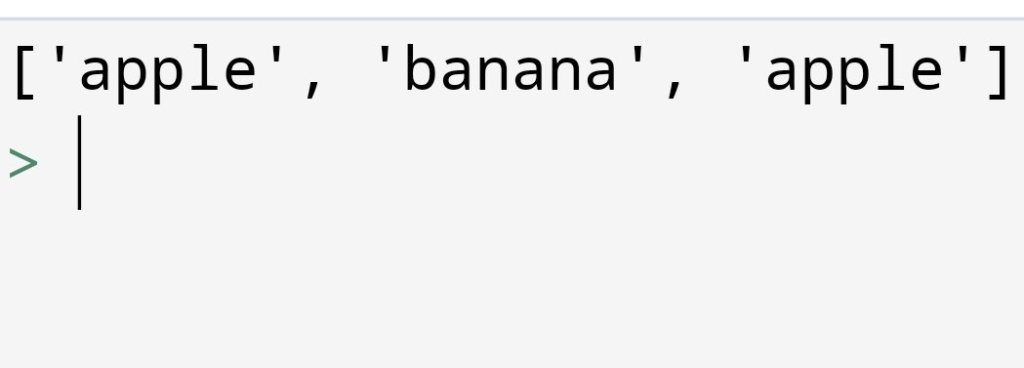
The fruits list come into fruits2.

2. Python Copy List: list() method

Image credit:educaba

The second way is to use a list() method to copy a list.

In this method, you will pass the first list to the list() method which will store in the second list.

Let’s see how can you do!
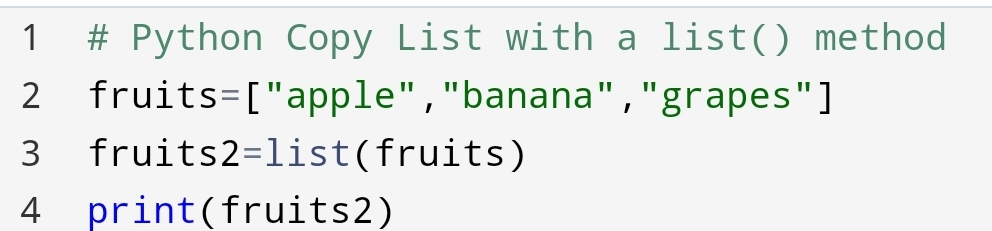
list() method to copy

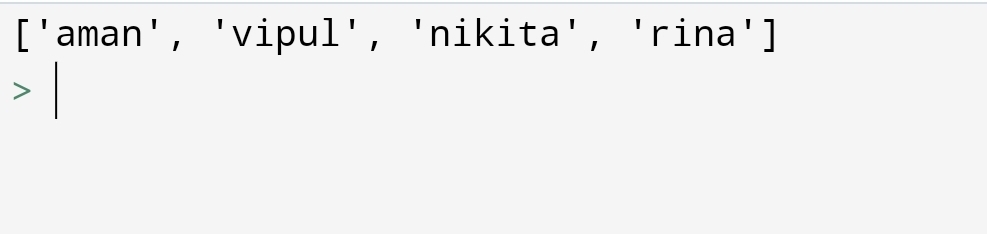
Here, you will observe that the output of copy() and list() method to copy the list is the same. Only the method is different.

Python: Join the list

Image credit:pythonpip.com

Suppose, you have to join the two list. For example, you have to join the list of boys and girls to create one class of students.

Let’s see how can you do it!

You can do it with the following methods:-

• Using + operator

• Append method

• extend method

1.Using + operator
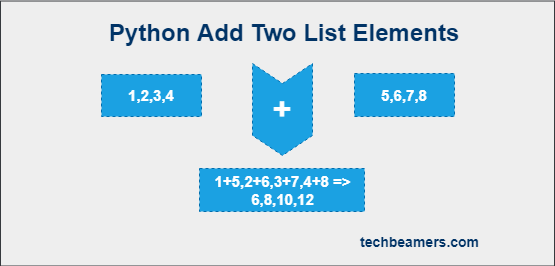
Image credit: techbeamers.com

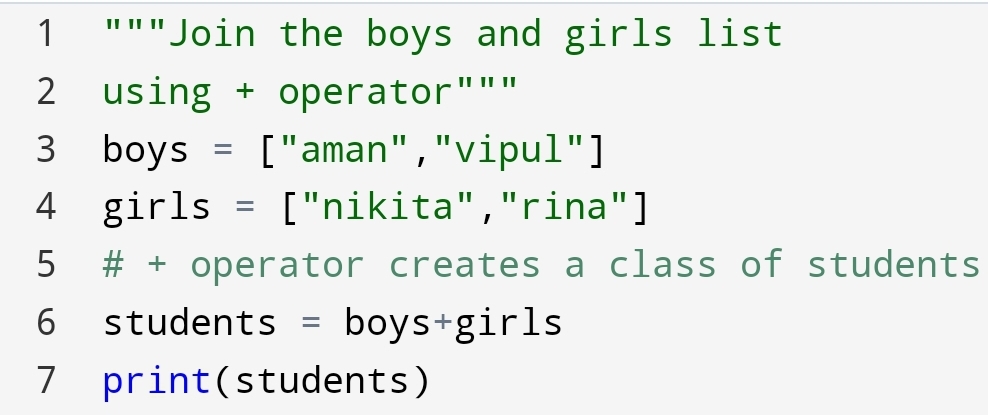
You can join the lists with + operator. + operator joins the second list to the first list.

You can do it with following code:-
2.Append method
Image credit: http://www.journaldev.com

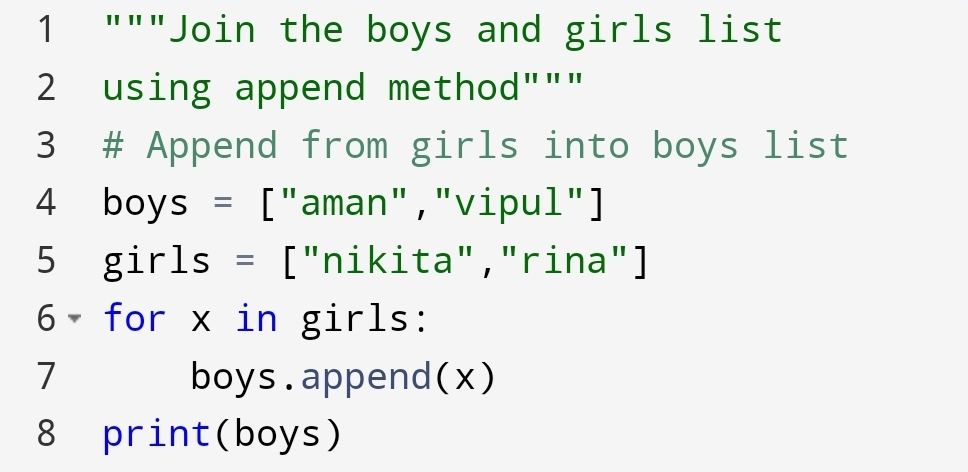
You can join the second list to the end of the first list using the append method.

This method appends list2 into list1. Let’s see how can you do!
3.Extend method
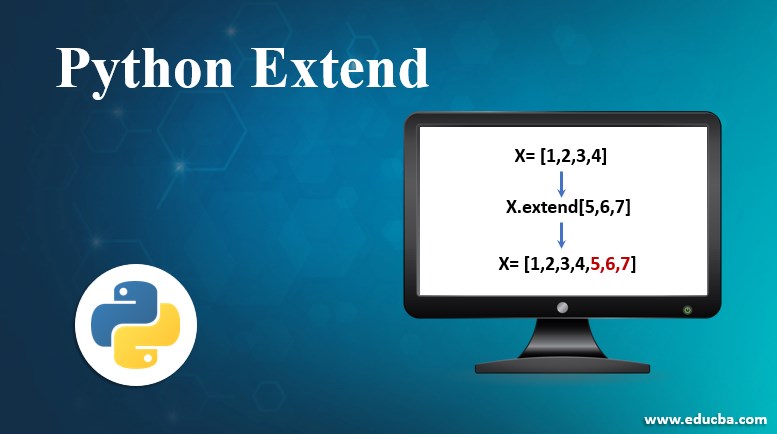
Image credit:educaba

Suppose you have to join the second list at the end of the first list. So, you can do it with extend method.

You can code:-
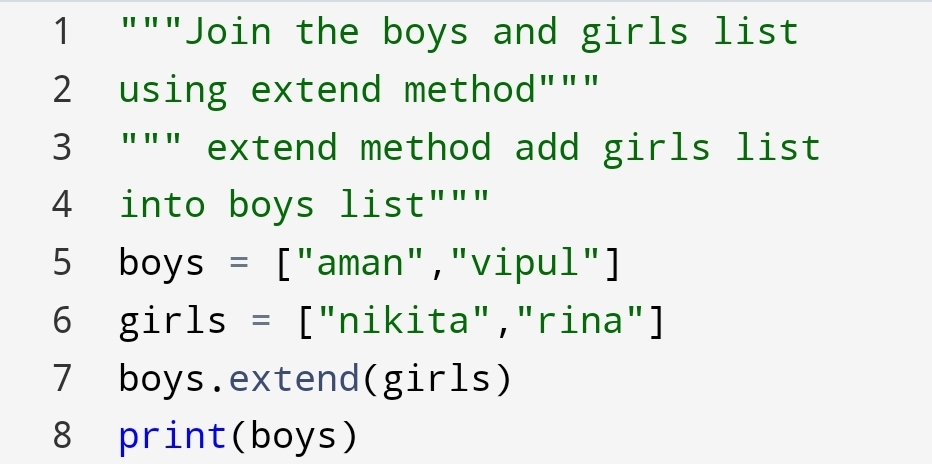
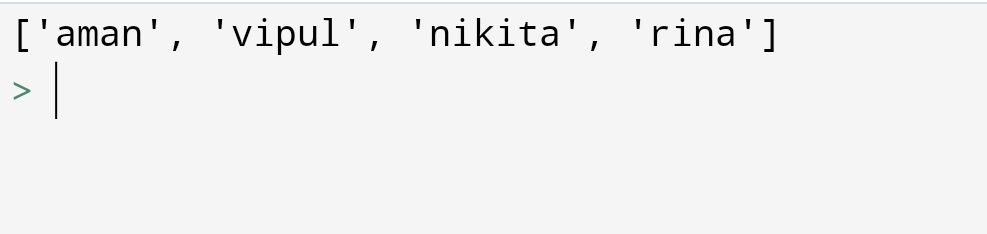
A new class of students created.

Python List: Count method

Image credit:educba.com

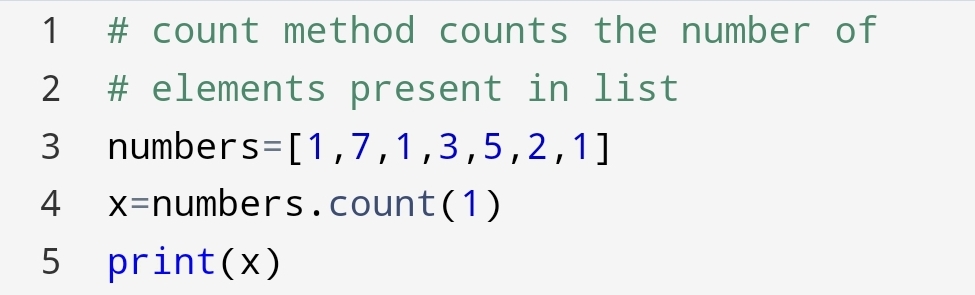
Suppose there is a large group of numbers. In that numbers, you have to find the number of times a certain number has repeated.

So, how will you count?

Well, you will say I am going to count the repeated numbers. It’s good to count. But If there are thousands of numbers it will take 10 to 15 minutes.

But if I say you can do it in 2 minutes. not only thousands but millions of number.

You say it’s amazing! Let’s see how can you do!

You can do it with the count() method. The syntax is count(value).

Value could be str, int, boolean and any type.
Python List: Index method

Image credit: educba.com

Suppose, you have to know the position of a specific value. so, how can you do it?

Think about it! If the list is short then you can find a position easily.

But if the list has thousands or millions of items. how can you do it?

You can do it with a list index() method.

Let’s see how can you do!

Let’s find the position of “apple” in the list of fruits.
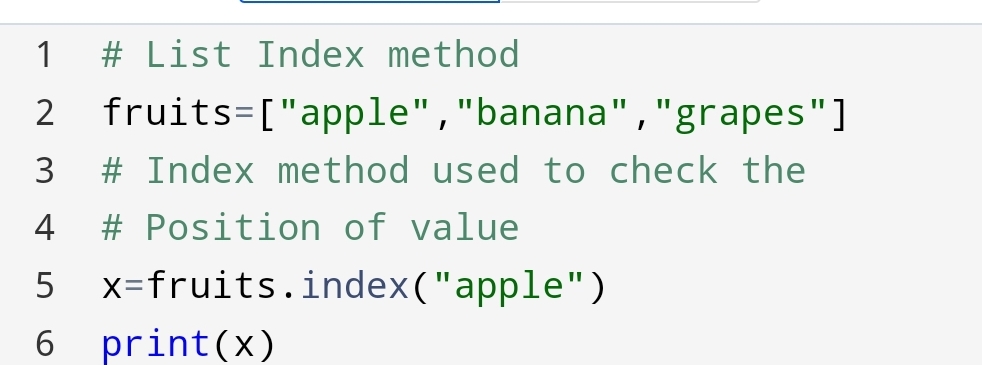
Here, you have seen how can we find a position of a certain value. It’s no so much hard! We have to find why are we doing it? It’s amazing.

Python list gives freedom to create a new list easily. It’s going to give insight into how can you store and manipulate data.

Conclusion:-

In this Python list blog, you had seen how to transform two lists into one list using join and copy method.

You can also find the position and count the value in the list using the index() and count() method.

I hope you liked this blog. This is the third part of the python list. I have tried everything in this blog.

If anything remains, please comment to me. I will create a blog on that topic.

Also, If you will find some mistake you can comment on me at vipulkunwar341.

For additional information, you can visit Python list w3schools.

See also:-

Python-list-task

Python List – part1

Python-operator

For more contact detail you can mail at:

Navaghar road
Mumbai, Maharashtra, Thane,Bhayandar 401105
India

Python List: 2, Do the task on the list!
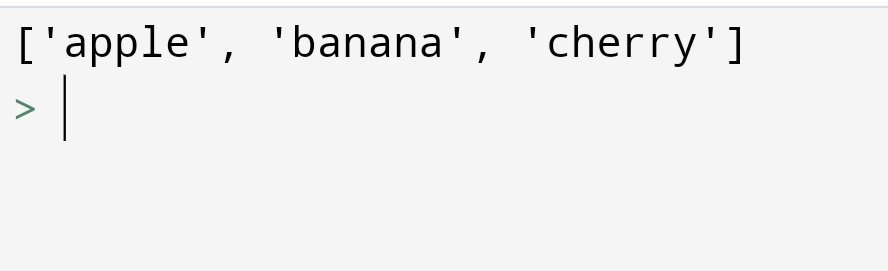
Image credit: pixabay.com
In the previous blog Python List, I have shown you why are we using the list? what the benefits? and how to use the python list?

In this blog, I am going to show you how to perform some operation on a python list.

How can you change the things on the list?

In this blog, you are going to see:

• Python – Add List Items

• Python – Remove List Items

• Python – Sort List

PythonAdd List Items

You can add items to the list with the following methods:-

• Append Items

• Insert Items

• Extend List

• Add Any Iterable

1. Append Items

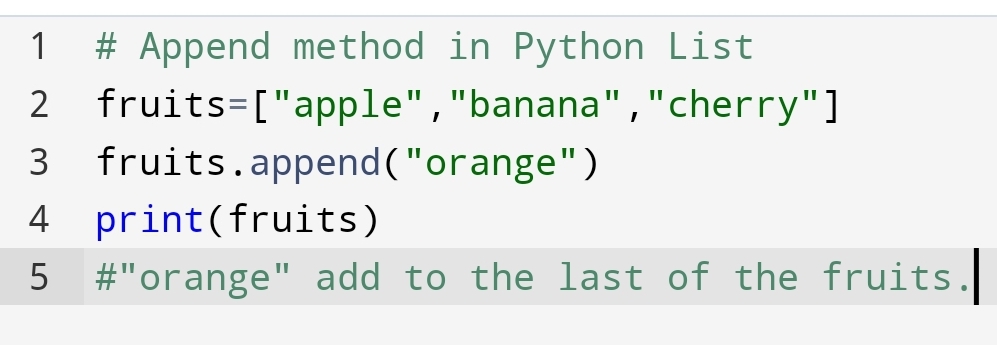
Suppose You have to add the item to the last of your list. Not middle and start but only in the last. You will use the Append method.

The append method takes only one argument append(value).

You will use the following code:-

2. Insert Items – Add at the specified position

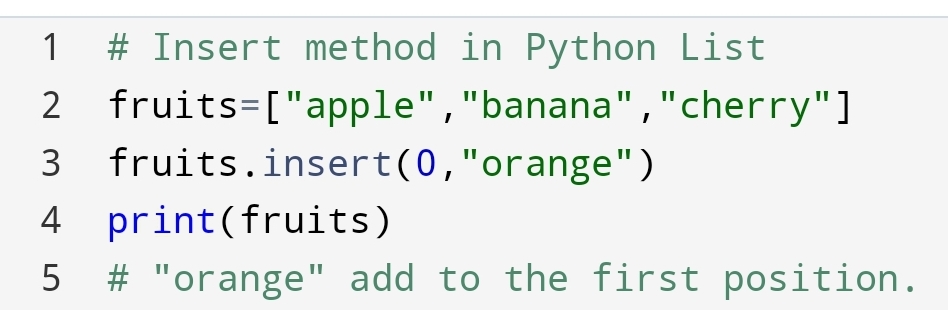
Suddenly, you think that “I need orange in the first place, I have to eat an orange first “. You will use the Insert method.

Insert method takes two argument insert(position, value).

See the code on how you can eat “orange” first.

3.Extend list – Connect the second list to the last of the first list

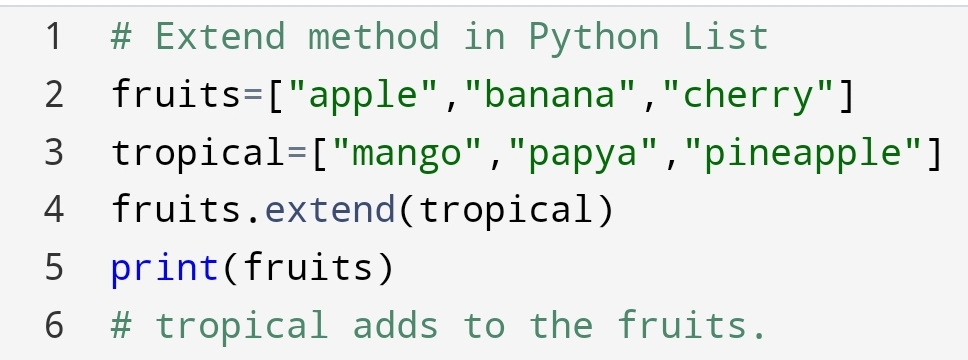
Instantly you think,” I don’t need only fruit, I need juice also “. So you will use the extend method.

Extend method takes only one argument. That argument is the second list, extend(second list).

See how can you drink also.

Here, you will observe the first and second list has combined and made a new list.

4.Add any Iterable

Suppose extend method will not add a list. It will use a tuple or dictionary. What will you do?

Not to worry, you can pass a tuple or dictionary to extend method, extend(tuple or dictionary).

See the code here:-

Python – Remove List Items

In this section, you are going to see:

• Remove particular Item

• Remove Item with help of Index

• How to Clear the List?

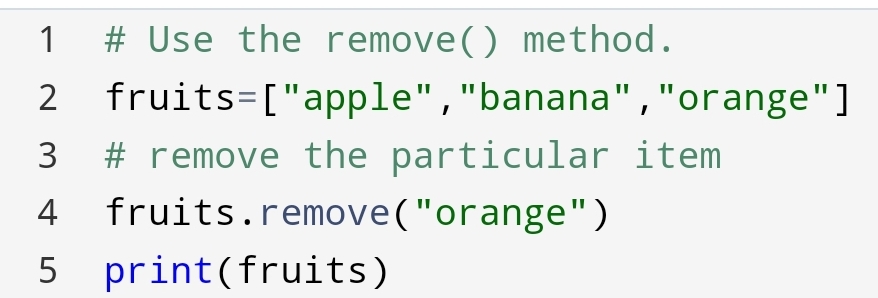
1. Remove Particular Item

In the eating of fruit list, you want to remove a “banana” fruit. How will you remove it?

You can remove it through the remove method. The syntax is removed(item).

You can code :-

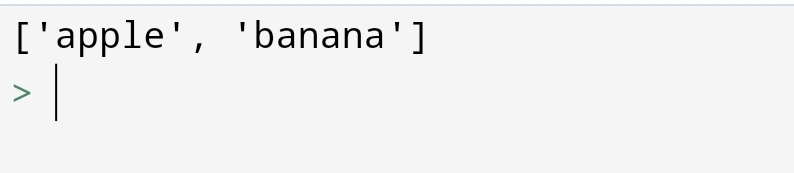
Here, you will observe that “orange” has removed from the list of fruits.

2. Remove Particular Index

Suppose you want to remove the item based on the position of the fruits. You can use the pop with index.

The syntax: pop(index)

Here, we had removed the 2nd index that is “orange” fruit.

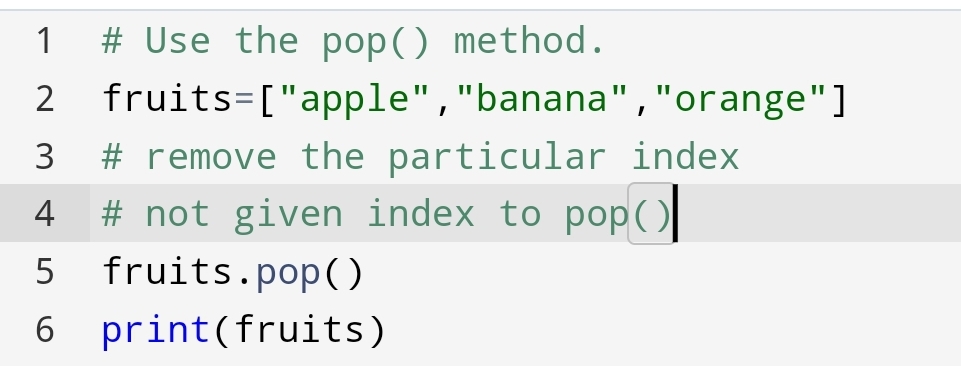
Suppose you will not give the index to the pop(). What will happen?

Let’s see what will happen!

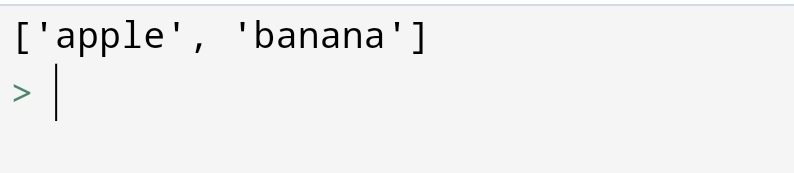
You had seen that pop() without index remove the last item from the list.

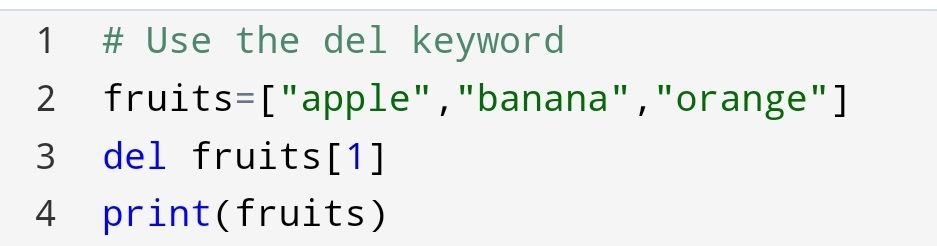
Using del keyword:

del keyword also removes the specified index.

The syntax of del is del variable[index].

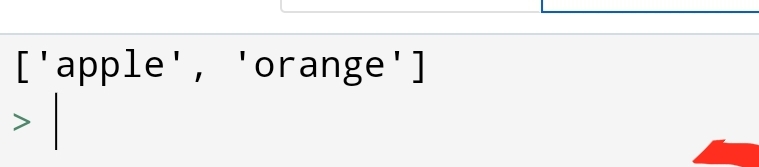
You had seen how the del keyword has deleted the “banana” from the list.

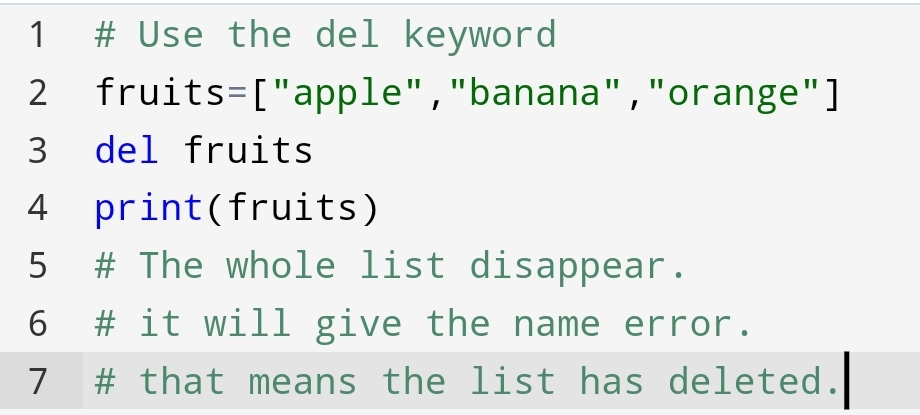
Suppose, you have to delete the list completely. How you will do?

You can do it with del keyword. del keyword delete the list completely.

Let’s see how you can code!

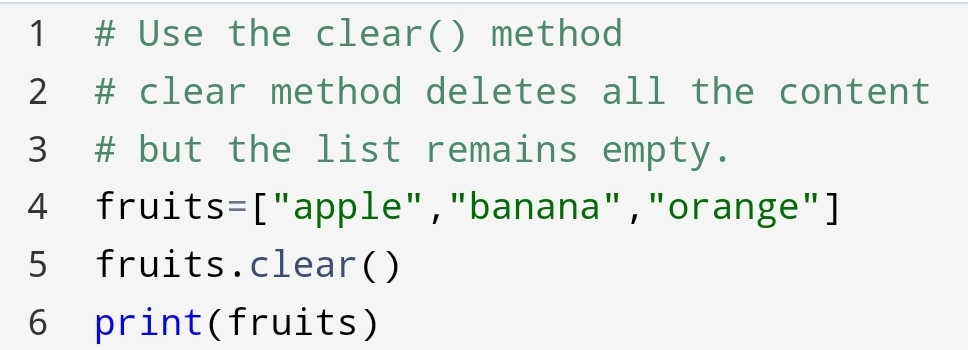
3.Clear the List

Instantly, you thought that you need a list, but it should be empty. so you can use clear() method.

The clear() method empties all the content of the list but the list remains. So, how can you do it?

It’s easy. See how can you do!

Python – Sort Lists

The list has a sort method that sorts the list in an alphanumeric way, ascending by default.

In this section, you will learn:-

• Sort list alphanumeric

• Sort Descending

• Case Insenstive sort

• Reverse Order

1.Sort List alphanumeric

In this method, you will sort the list based upon alphabets and numbers in ascending order.

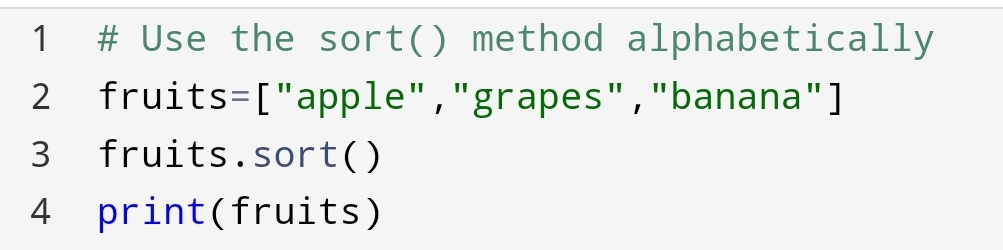
Sort alphabetically:-

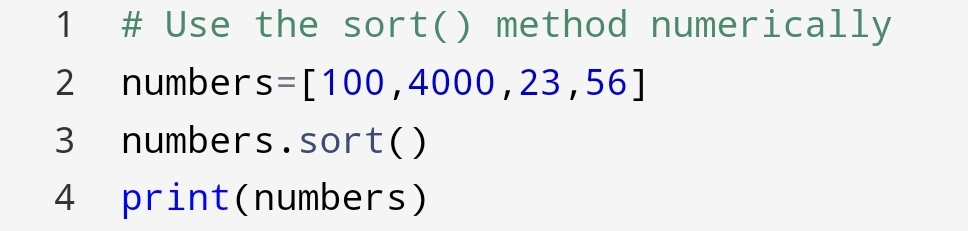
Sort numerically:-

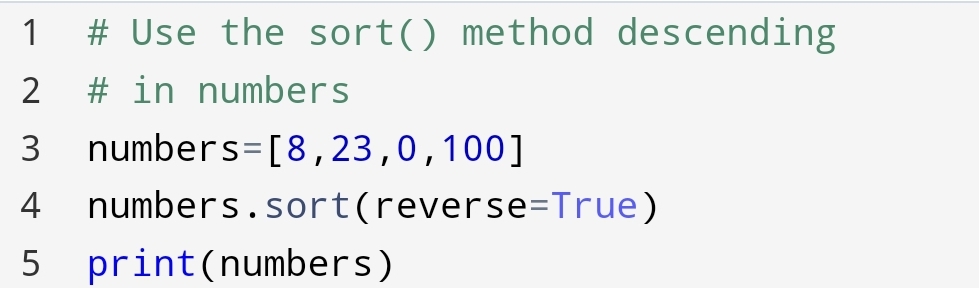
2.Sort Descending

To Descends the alphabets and numbers we are using this method.

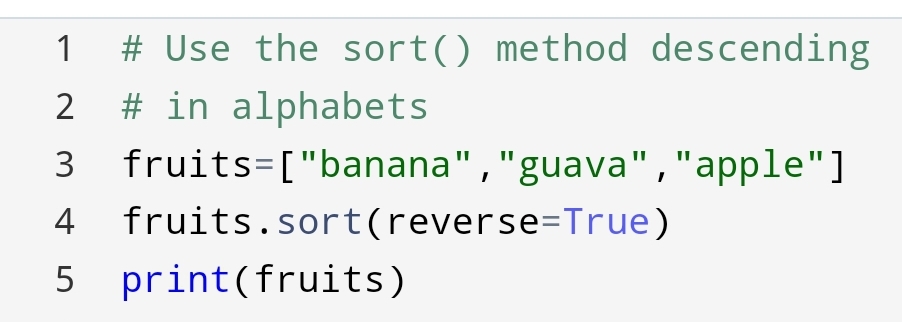
In this, we use the keyword argument reverse=True. This keyword reverses the order of alphabets and numbers.

Sort descending alphabets:-

Sort Descending Numbers:-

3.Case Insensitive sorts

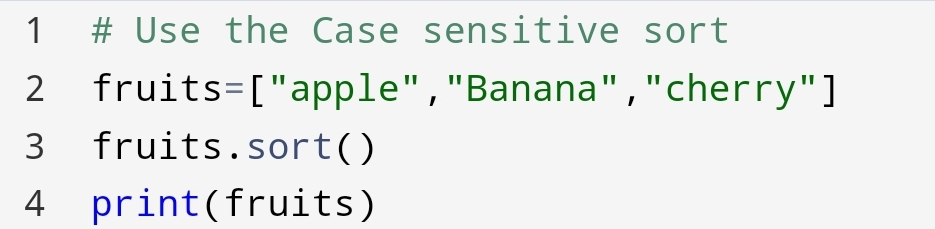
Sort is case sensitive. The capital letter will come before the small letters, even the order of the capital letter is last.

You have seen “Banana” has come before “apple”, even “apple” order is first.

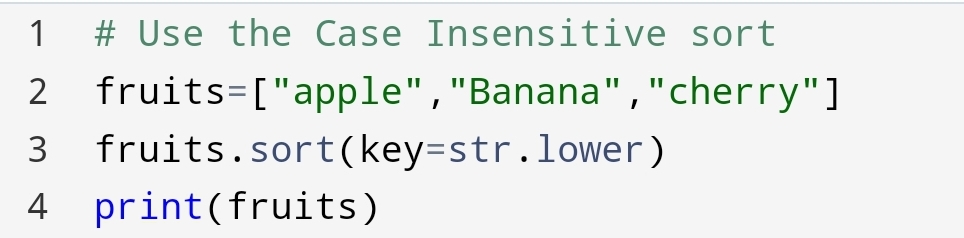
Suppose you need “apple” before “Banana” what you will do?

Let’s see what can you do!

You can pass an argument key=str.lower from sort. It will convert the list alphabetically.

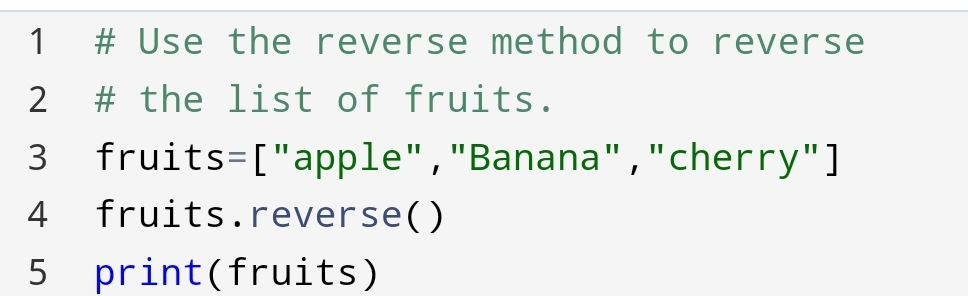
4. Reverse Order

What if you want to reverse the list regardless of alphabets.

The reverse() method reverse the whole list.

You can do this with the following code:-

Conclusion:-

You can perform many tasks in the python list. Removing, adding, sorting and many other methods making interesting to list. You can make it as you want! No limitation to creativity just do it. It’s giving the main benefit of indexing. Indexing allows for duplicates. You can create data set as you want.

See also:

PythonOperators

https://vipulkunwar503.code.blog/2021/06/19/python-operators/

Python Syntax

https://vipulkunwar503.code.blog/2021/06/13/python-syntax/

https://www.w3schools.com/python/python_lists.asp

Python List-Store as much as you want?

In recent days my friend and me storing our name on each new variable. It taking a lot of times to store each one of the names in a new variable.

So, we decided to move to something easy and flexible. Our friend group is aware of the python list.

We had used a python list to store each of the names in one variable. It’s great!

You have finally found it. You can store multiple items in one variable. No need to create more variables.

The misconception is that every new variable is clear and concise. It’s true but in the Python list, we can do it easily.

So you are going to see how to store multiple items at once.

First, you will see what’s the list?

Why we’re using it?

What’s the benefit?

How to do it?

List

Python List is the ordered group of items store in one variable.

The list can be of any data type or mixed data type. You don’t care about the data type in the list.

Creation of list

We can create a list using square brackets.

The square brackets hold the multiple items of the list. It indicates by [].

List items

List Items are ordered, changeable and allow duplicate items in the list.

Ordered

List items are ordered. You can use [] to check the order of list.

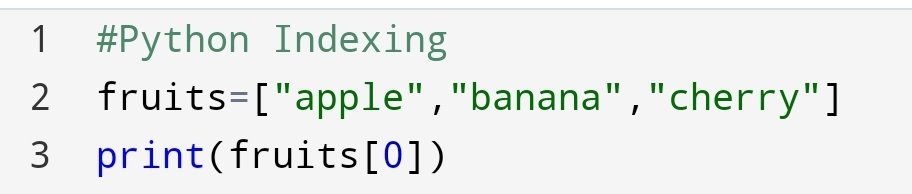
The first items start with [0]. The number inside [] brackets is called indexing. Indexing gives the particular item to you.

Changeable

You can change the item with the remove, append method In the list.

Allow duplicate items

The python list allows for duplicate items. Duplicate items are allowed because of different index number.

List Length- To Find Number Of Items

Suppose you have to find the number of items in the list. The traditional method is to count every item.

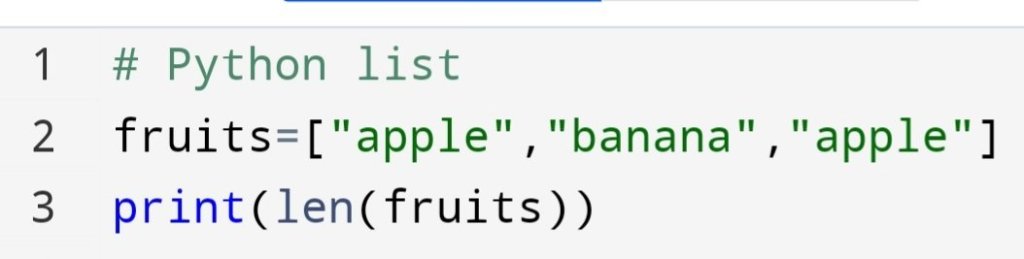
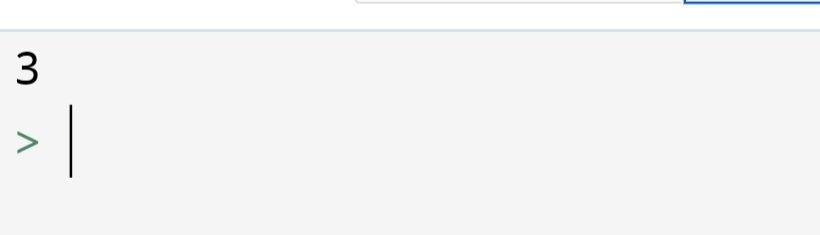
But If there are thousands of items. So it will take more time to count. To make it easy you use the len() method in the list.

List items – Data types

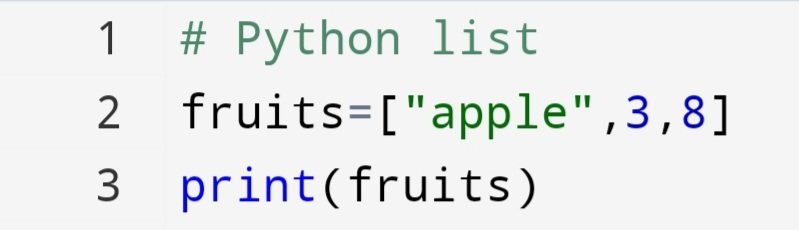
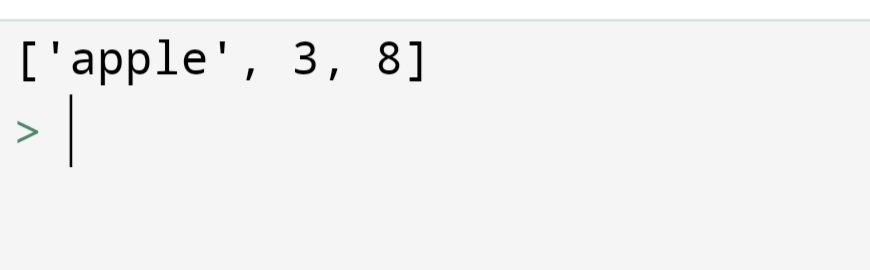
The data type of list items can be mixed. In one list there are many different data types.

Range of Indexes

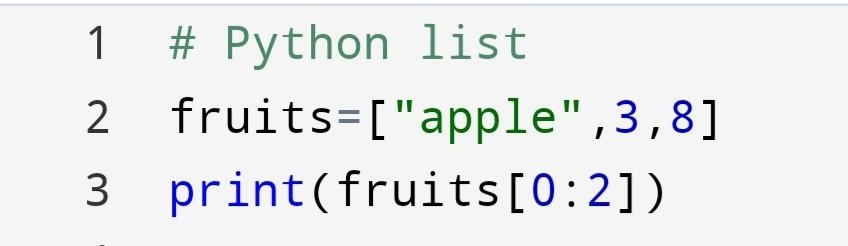
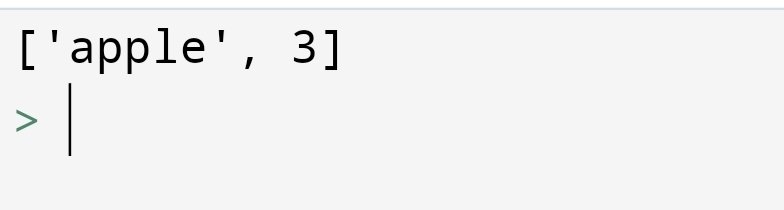
The search starts from the first given number to the second number. It uses [start:end].

The return value is a new list. In the list some items of the old list are present.

The indexing always starts from 0.

The element at index 0 is the first item.

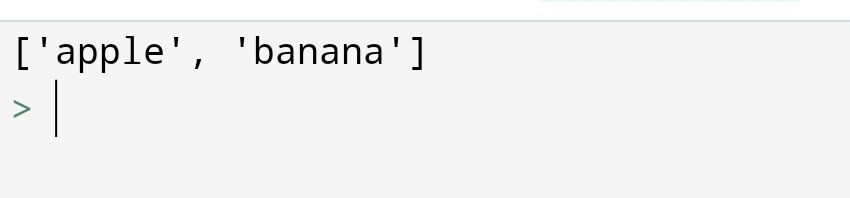
Range of Negative Indexes

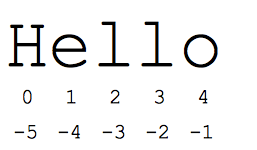
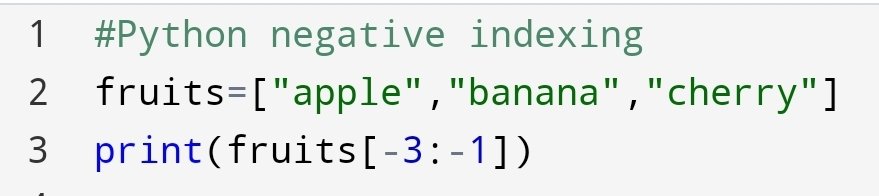
If you want to search items from the last of, then you can use negative indexing.

The last element index in negative indexing is -1.

The last number is not included. In this case, -1 has not included.

The last number would be last-1.

Here, it is -1-1=-2.

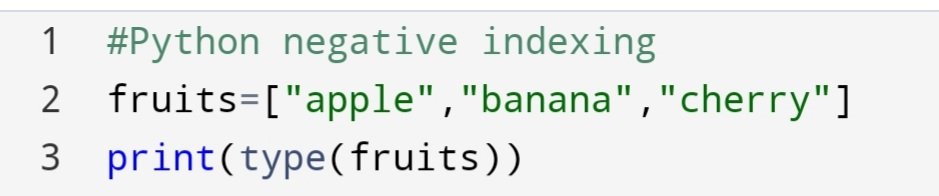
type() method in list:
In python list considered as an object. Suppose you have to find the data type of list, you can use the type() method.

List Constructor- Creating a list

You can also create a list without [] brackets with a list() constructor.

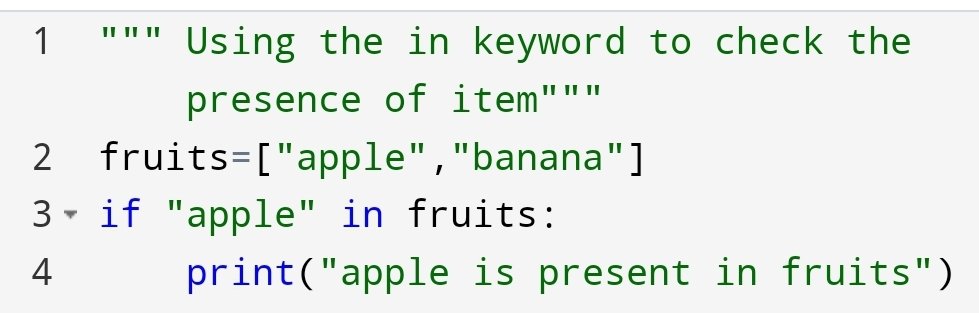
Check if items exist

To find if the item is present in the list we use in keyword.

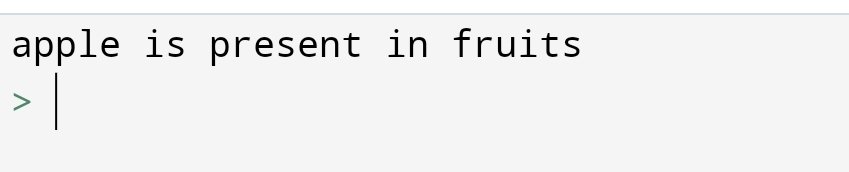
if present it will print a message.

Conclusion

Python list is ordered, changeable and allow duplicate items. The data type of list is <class ‘list’>. You can use a python list to store the school registration form of students. You have not to create a separate variable for each student. We can access a particular item in the list with the help of an index number.

See also:

PythonOperators

https://vipulkunwar503.code.blog/2021/06/19/python-operators/

PythonSyntax

https://vipulkunwar503.code.blog/2021/06/13/python-syntax/

Python Operator: Get Rid Of Paper!

Image credit:python-tricks.com

Why I’m creating this blog?

Many people are using paper in this 21st century. Especially the computer enthusiastic. If you are a computer science student then you know the python language.

Then why waste a long time in the paper for a long calculation? just use Python Operator. Need the least knowledge of the coding.

You don’t need specialized coding knowledge. What you need an enthusiasm for break the traditional rule of calculation.

I am going to show how can you do!

In this section, you are going to see:-

• Arithematic operator
• Assignment operator
• Comparison operator
• logical operator
• Identity operator
• Membership operator
• Bitwise operator

Arithmetic operator

+ Addition
x=5
y=10
print(x+y)

15

- Subtraction
x=6
y=2
print(x-y)

4

* Multiplication
x=8
y=2
print(x*y)

16

/ Division
x=60
y=20
print(x/y)

3.0

% Modules
x=4
y=2
print(x%y)

0

** Exponential
x=4
y=2
print(x**y)

16

// Floor devision
x=8
y=3

2

Python Assignment Operator: Store the value

• = (assign value)
x=5
print(x)

5

• += (assign addition)
x=6
x=x+6
print(x)

12

• -= (assign Substraction)
x=7
x-=3
print(x)

4

• *= (Multiplication)
x=6
x*=2
print(x)

12

• /= (Division)
x=3
x/=3
print(x)

1.0


• %= (assign Modulus)
x=4
x%=3
print(x)

1


•**= (Power assign)
x=5
x**=2
print(x)

25

•&= (And operator)
x=3
x&=2 (if both are other than 0 then 1)
print(x)

1


•|= (OR operator)
x=6
x|=2
(If one of the number true then 1)
print(x)

1


•^= (bitwise xor operator if only one true then 1,else 0 )
x=5
x^=3

print(x)

6

(5= 101 in binary)
(3= 011 in binary)
------------------------
110. 3rd column both are 1 so 0.
------------------------
110 in decimal format is 6.


•>>= (bitwise shift to the right-hand side)

x=5
x>>=2
print(x)

1


•<<= (bitwise shift to the left-hand side.)
x=5
x<<=3
print(x)

40
(5 in binary 101, then move 3 places left then it become 101000)
101000=40


Python comparison Operator: Compare the value

• == (equal to)
x=5
y=3
print(x==y)

False (5 is not equal to 3)

•!= (not equal to)
x=5
y=2
print(x!=y)

True (5 is not equal to 2)

• > (Greater than)
x=3
y=6
print(x>y)

False

• < (less than)
x=6
y=4
print(x<y)

False

• >= (greater than or equal to)
x=8
y=4
print(x>=y)

True

• <= (less than or equal to)
x=5
y=5
print(x<=y)

True

Python logical operator: Combine two conditions

• and (&)
If both conditions are true then the return value is true.
x=5
print(x>3 and x<8)

True
# 5 is greater than 3 and less than 8

• or(|)
If anyone condition is true then true.
x=6
print(x>4 or x<3)

True
# 3 is not greater than 6 but 4 is less than 6.

•not(~)
Reverse the result, if the result is true then false.
x=5
print(not(x>3 and x<9))

False
# Output should be true, but not make it false.

Python Identity Operator: To check if they are the same object, not similar object

• is operator x=["apple","banana"]
y=["apple","banana"]
print(x==y)

True
# Return true because x and y are the same objects.

x=["banana","apple"]
y=["apple","banana"]
print(x is y)

False
# return False because x is not the same as y, even the content is the same.


• is not
Returns true if both objects are not the same.

x=["apple","banana"]
y=["apple","banana"]

print(x is not y)
True
# Return true because they are not equal even their content is the same.

print(x==y)
True
# Both variables are equal.

Python Membership Operator: To check Element is present in the object or not

• in (operator)
Returns true if the element is present in the sequence of the group.
x=["apple","banana"]
print("banana" in x)

True
# Return True because "banana" is present in x.


•not in
Return true if the element is not present in the sequence of the group.
x=["apple","banana"]
print("orange" not in x)

True
# Return true because "orange" not in x

Python Bitwise operator:Compare the two numbers

Bitwise operator are used to compare the (binary) numbers.

Operator

&
|
^
~
<<
>>
Name

And
OR
XOR
NOT
FILL left shift
Signed right shift
Description

1.Both are true than true.
2.One true than true.
Only if one condition true, then true.
3.Inverse to the result.
Shift left by pushing zeros in from the right side.
4.Shift right by pushing zero on the left side.

Conclusion:-

Python operator giving a large sense of the mathematical calculation. you don’t have to use paper to do the calculation. It providing you with the basic calculation to advance calculation. It saves your time and energy.

See Also:

https://vipulkunwar503.code.blog/2021/06/16/python-string/

https://vipulkunwar503.code.blog/2021/06/13/python-syntax/

https://vipulkunwar503.code.blog/2021/06/10/python-numbers/

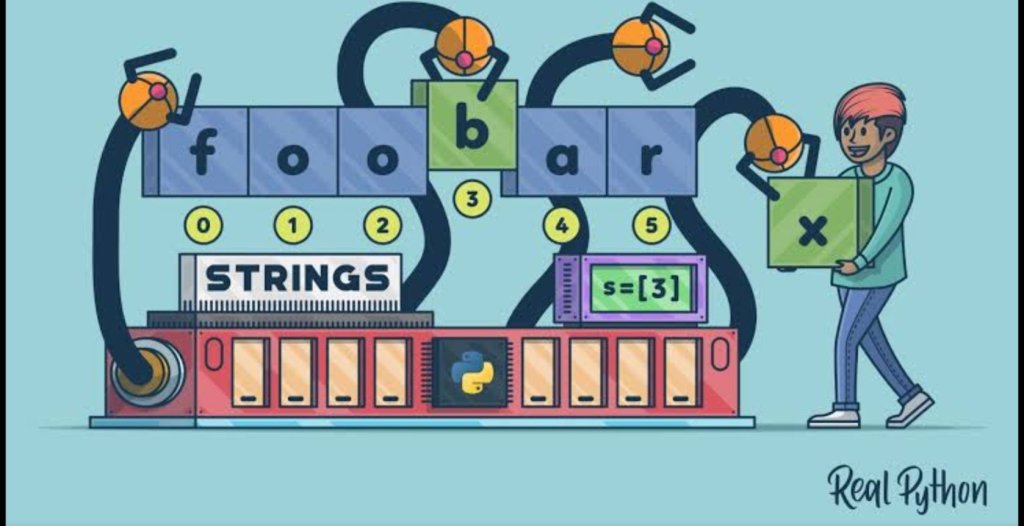
Python string- The data type of Words and Character

Image credit:Real Python

Strings

Strings are data type of alphabets and characters.

Double quotes ” ” and ‘ ‘ quotes are the same in python.

Assigning string to a variable

The string can be assigned to a variable with the “=” sign.

a="all"
b="call"

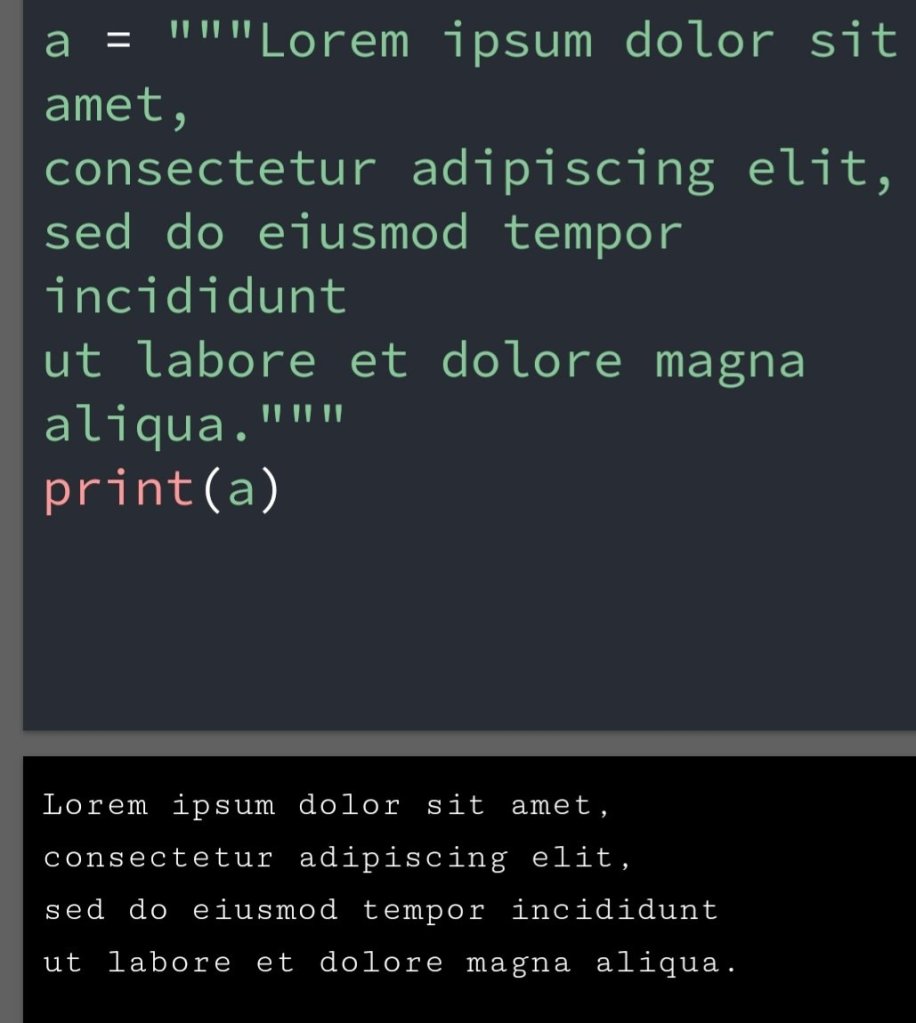
Multiline strings

Multiline strings are denoted by “”” “””.

A multiline string is used for displaying string more than one line.

Multiline strings

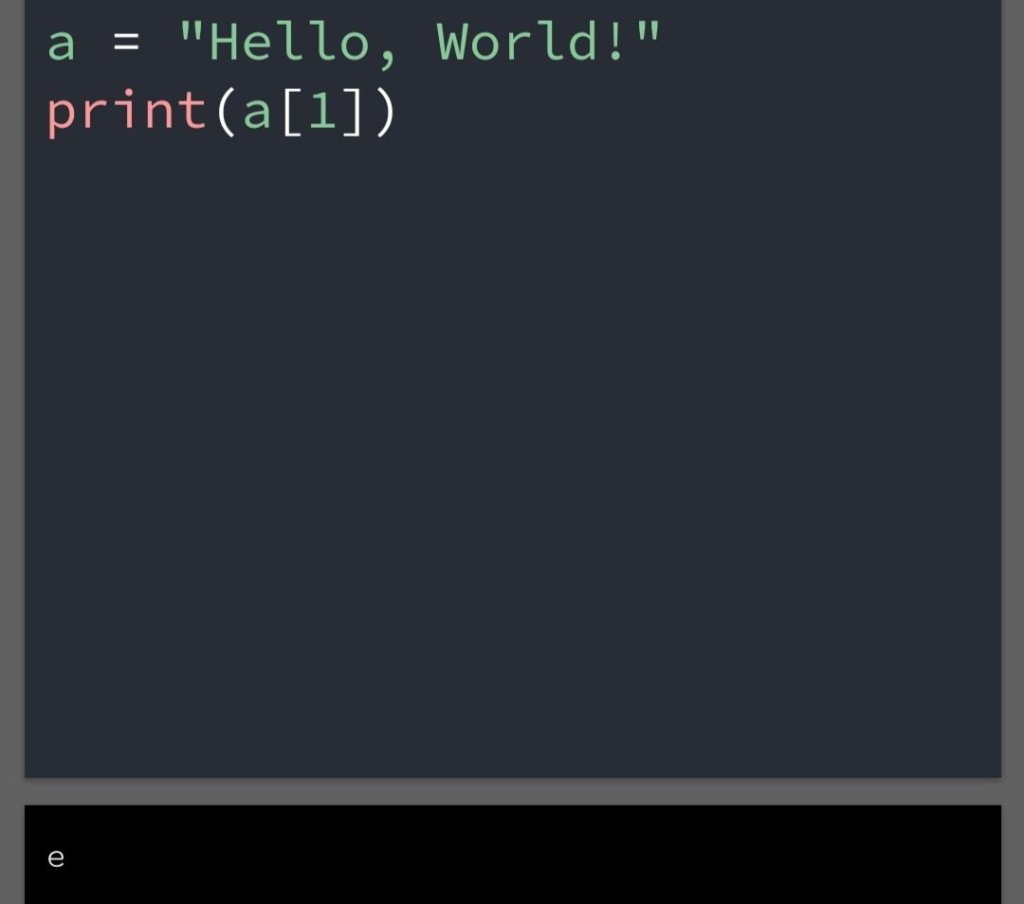
Strings are arrays

Strings in python are arrays of bytes representing Unicode character.

Python does not have a character type. They represented as length of 1.

Square brackets can be used to access an elements of the string.

String as arrays

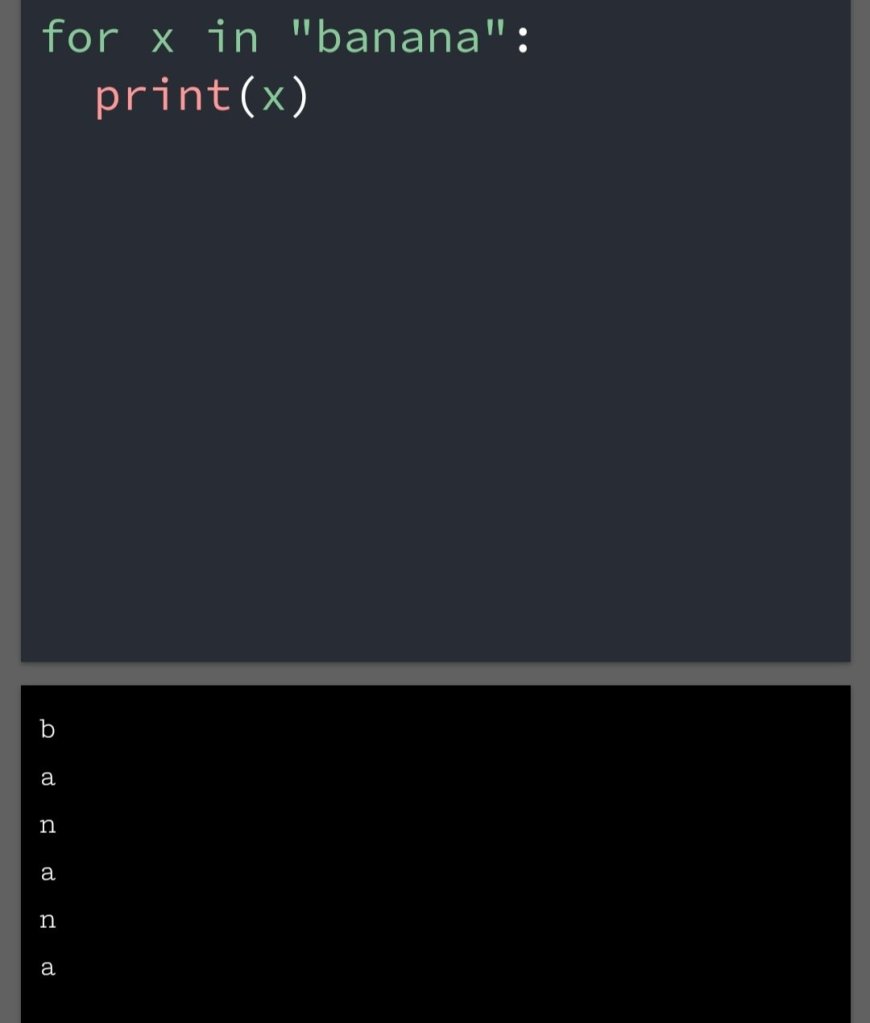
Looping through a string

Since strings are arrays, we can loop through the character in a string with a for a loop.

Loop

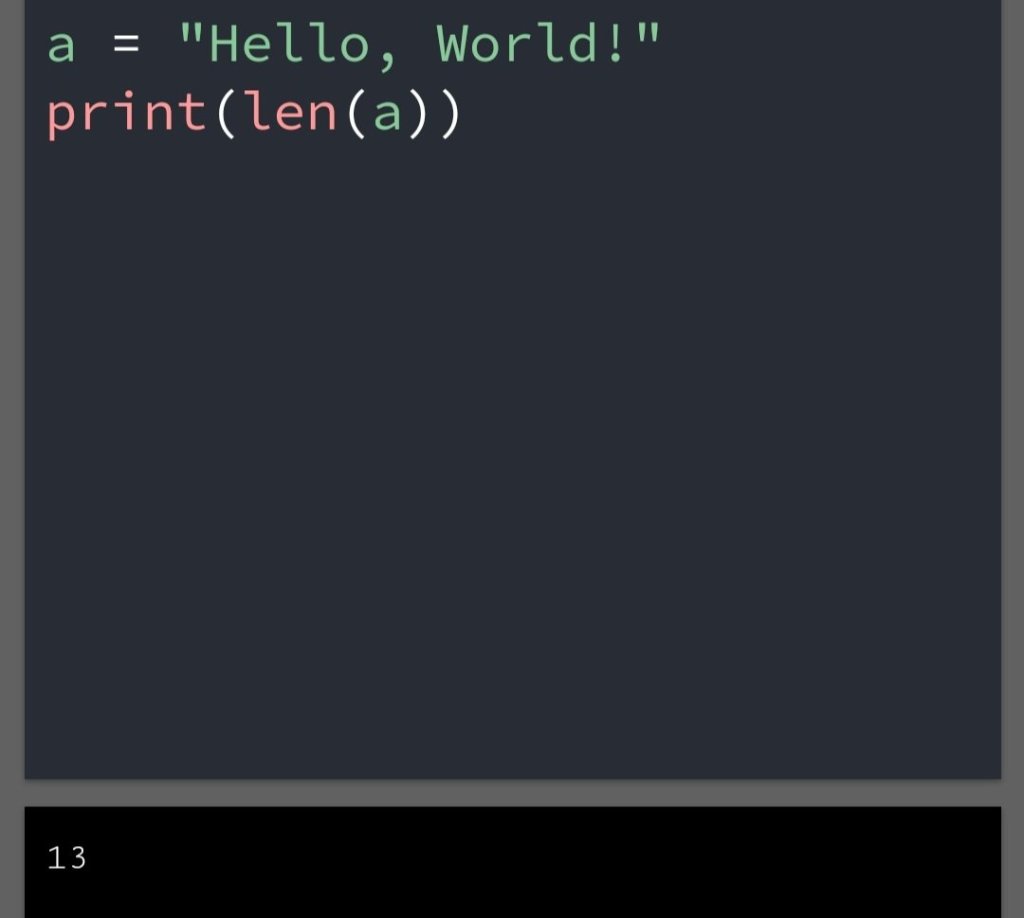
String length

To get the length of a string use the len() function.

Length of the string

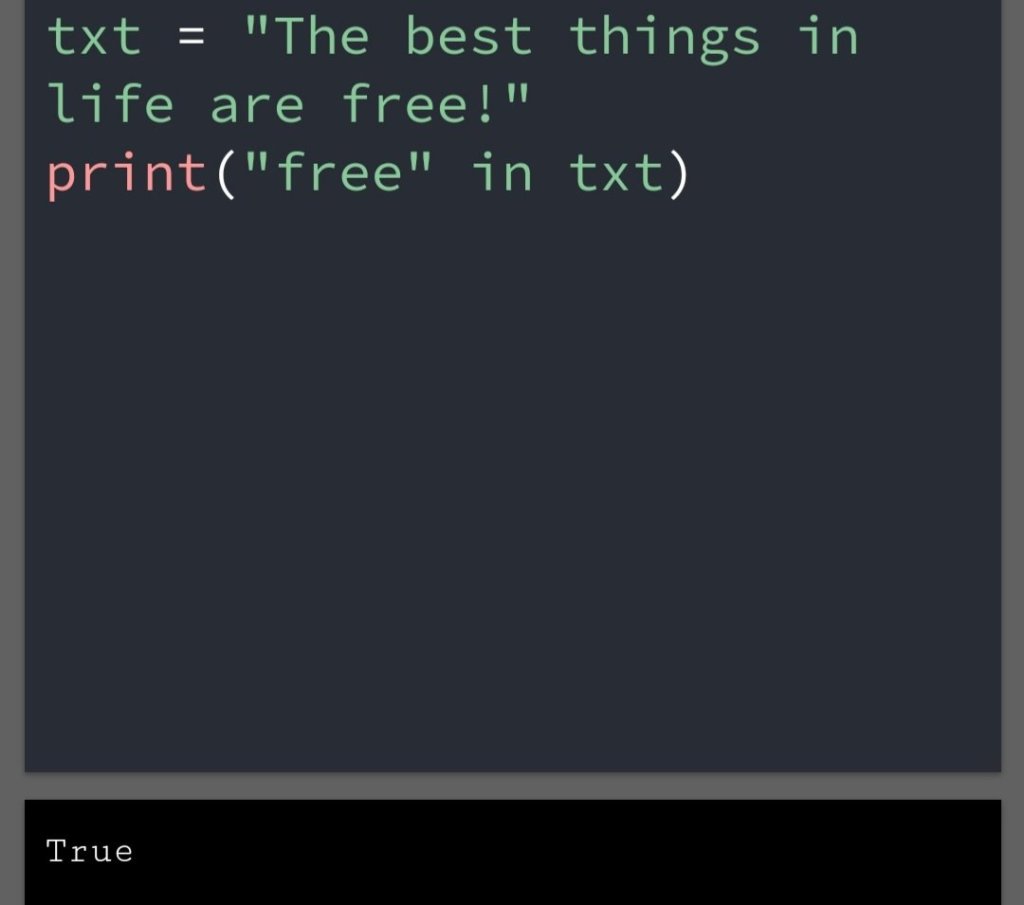
Check string

To check if a certain keyword is present in the string, we can use the keyword in.

in keyword

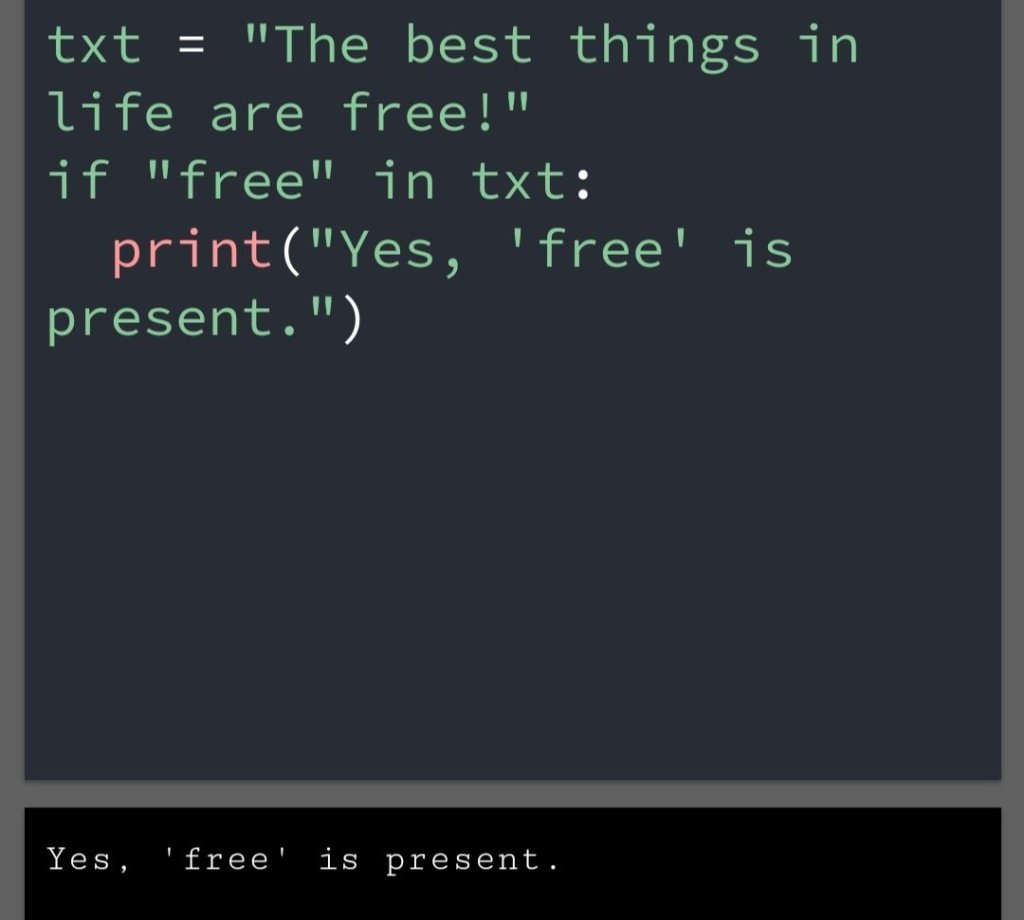
Use in in if statement

in used in if statement

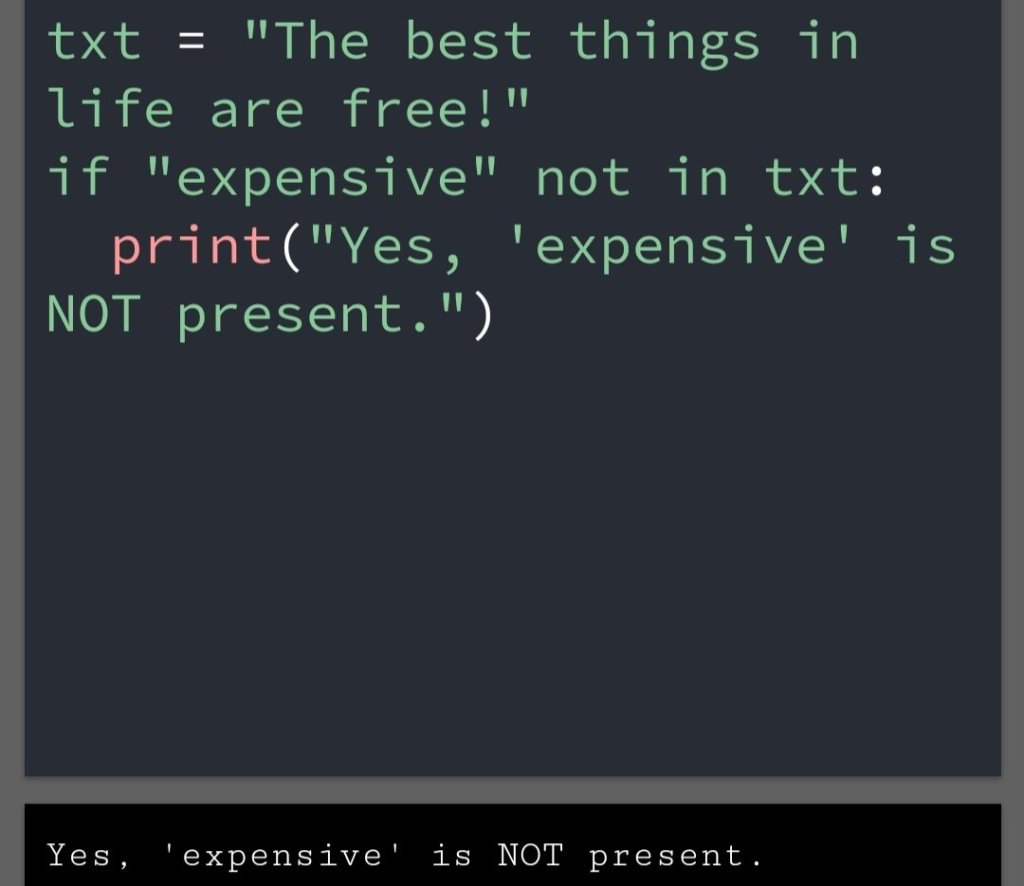
Check if Not

To check if a certain character is not present in a string.

You can use keyword not in.

Use it in an if statement

Python string Operation

Concatenation

1. With the help of the + sign we can combine two strings.

a="hello "
b="world!"
print(a+b)

hello world!

Multiplication

1. With the help of multiplication the string increasing the number of times.

a="hello "
print(a*3)

hello hello hello

2. We used the * sign.

String formatting escape sequence

The string character inside the string can’t be print.

If I have to print string character inside the string. We can use an escape character or a triple quote.

For example, if you have to print Hey, “what are you doing?”. We can print this with an escape character.

print("Hey,\'what are you doing?'")

Hey,'what are you doing?'

Conclusion

Python string is a data type of words and alphabets. There are many operations that you can perform on python string. They are concatenation, multiplication and escape sequences.

https://vipulkunwar503.code.blog/2021/06/13/python-syntax/

https://vipulkunwar503.code.blog/2021/06/14/python-variables/

Python Variables

Just like water is filled in the bottle. Water is value and bottle is variable of that value.

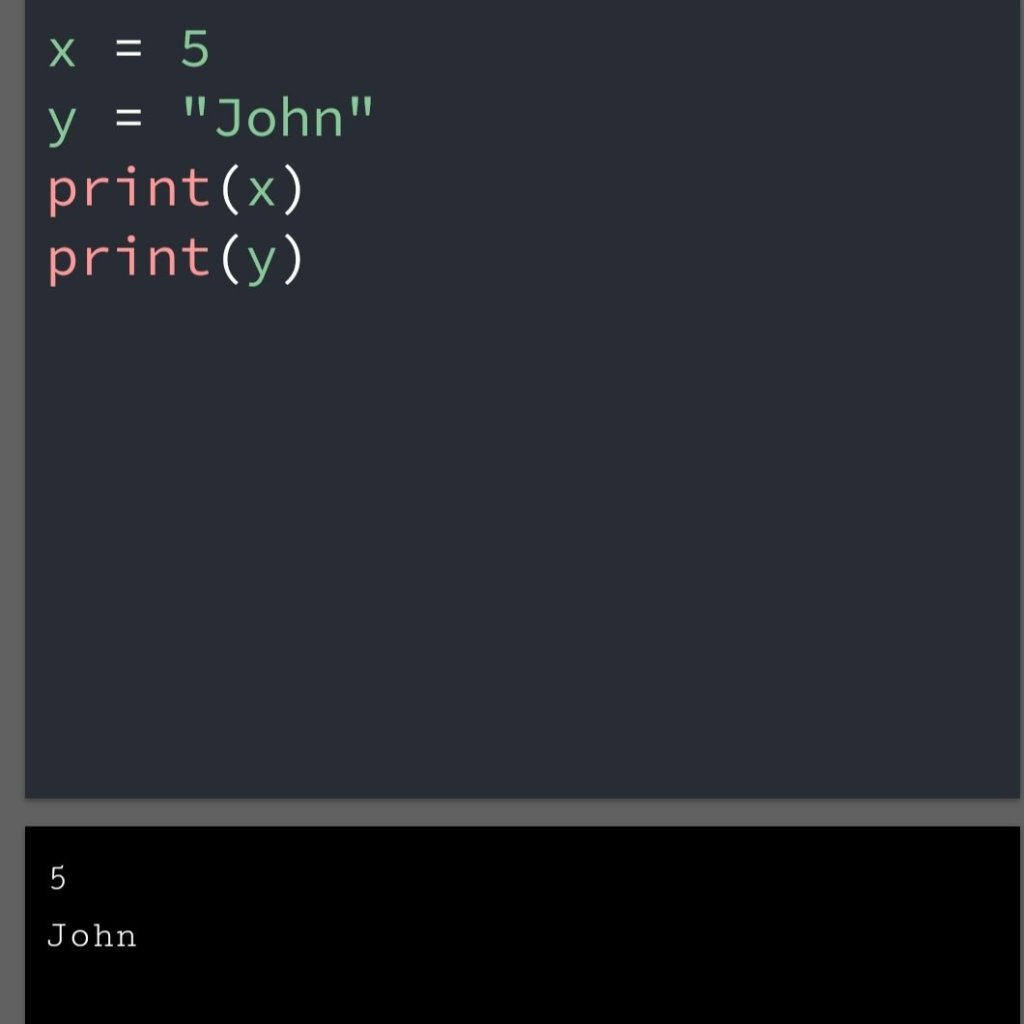
Similarly, a python has also a variable that holds value. Example, a=50

Creating Variables

You had not to declare any command to create a variable.

You can create a variable by the “=” sign. Example, a=”john”, b=5 etc.

Example

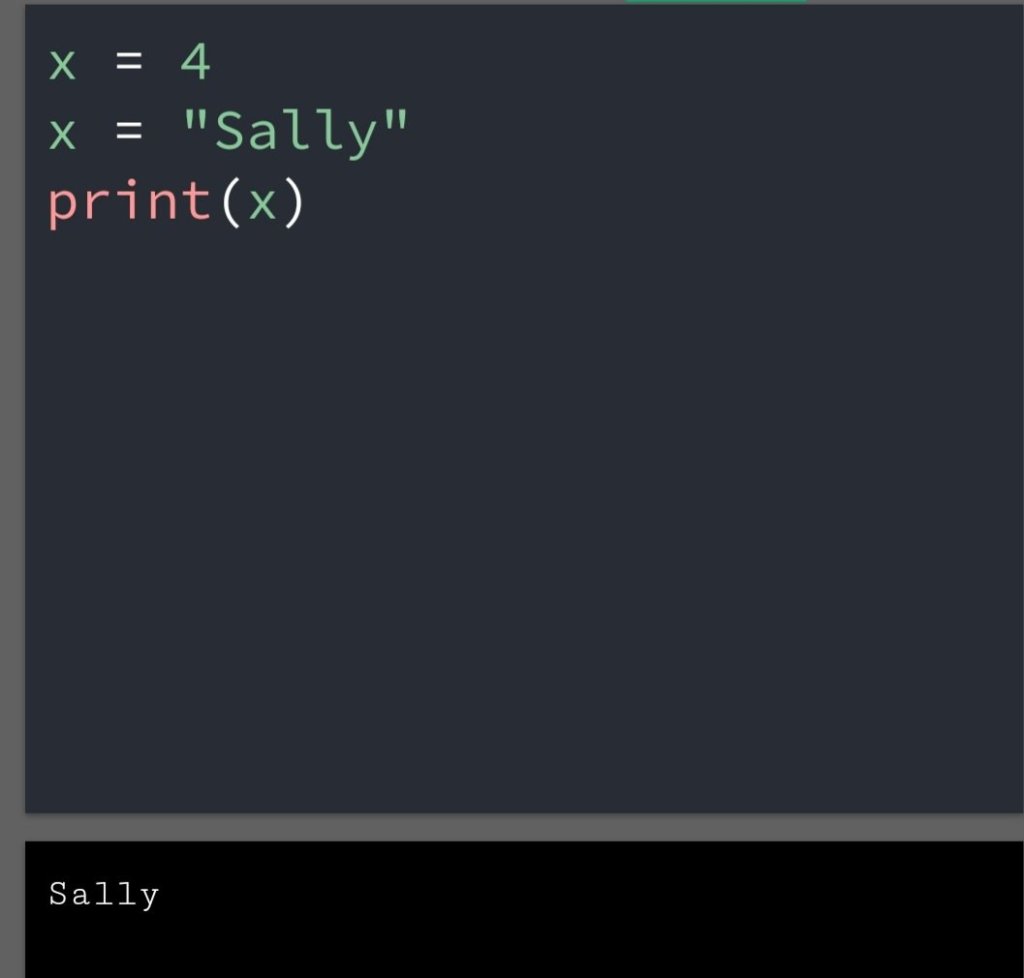
You can change the type of variable as per your interest.

Example

Change Type of variable

Casting

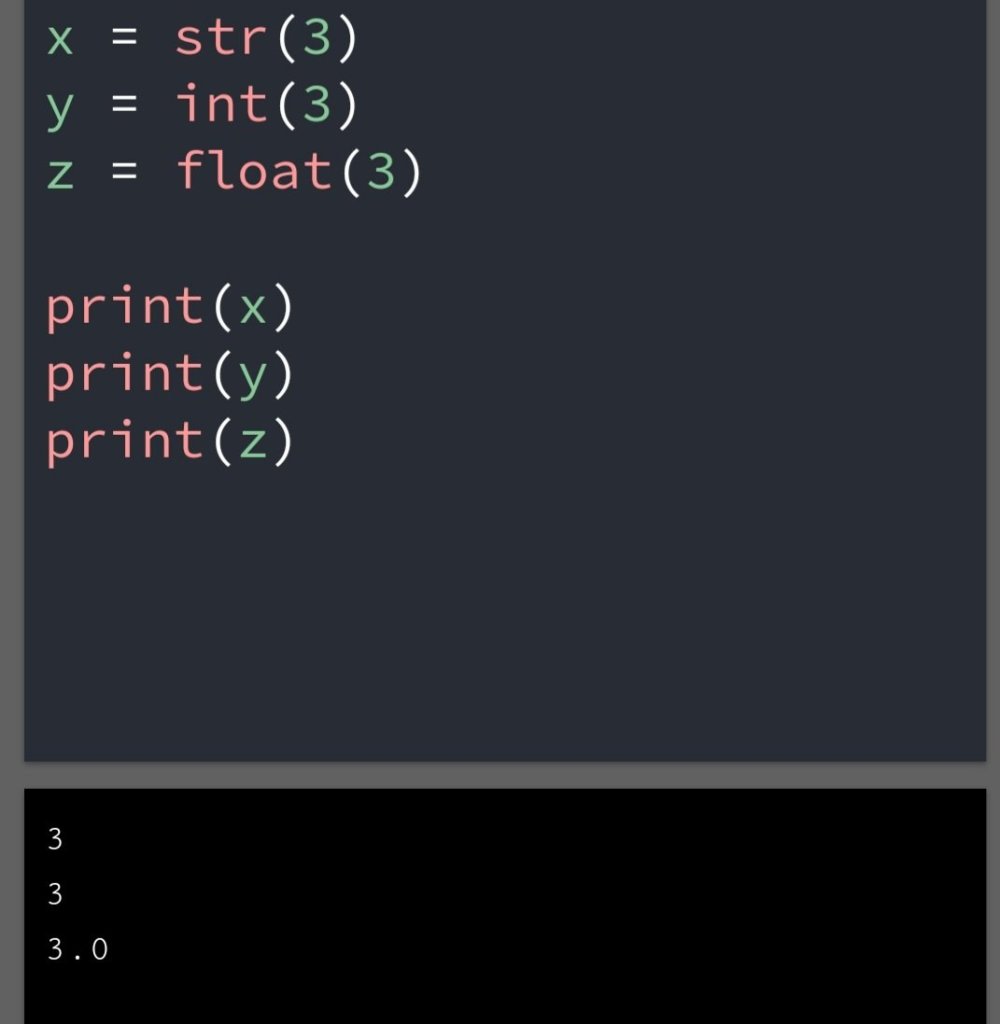
You can specify the data type of variable with the help of casting.

This will produce the default data type which we have done in casting.

Example

The casting of data type

Get the type

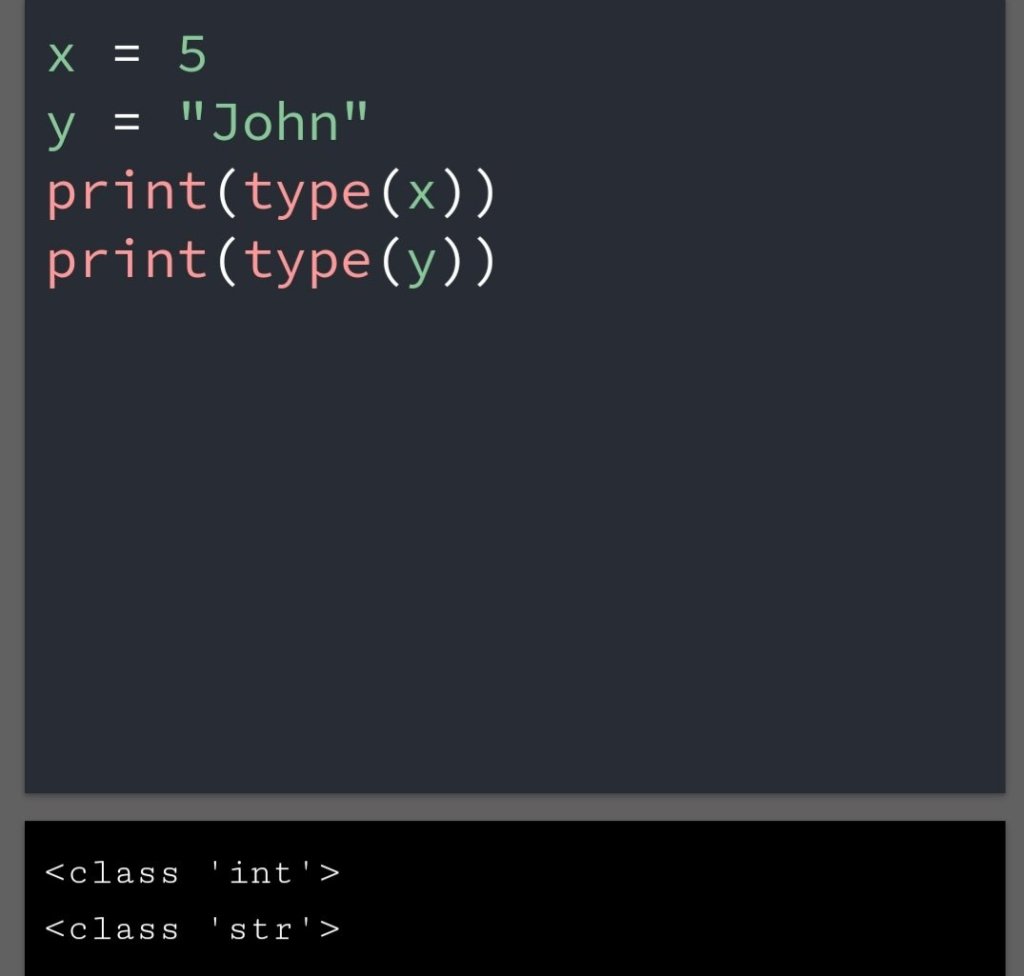
We can get the type of variable with the help of the type() method.

Example

Get the type

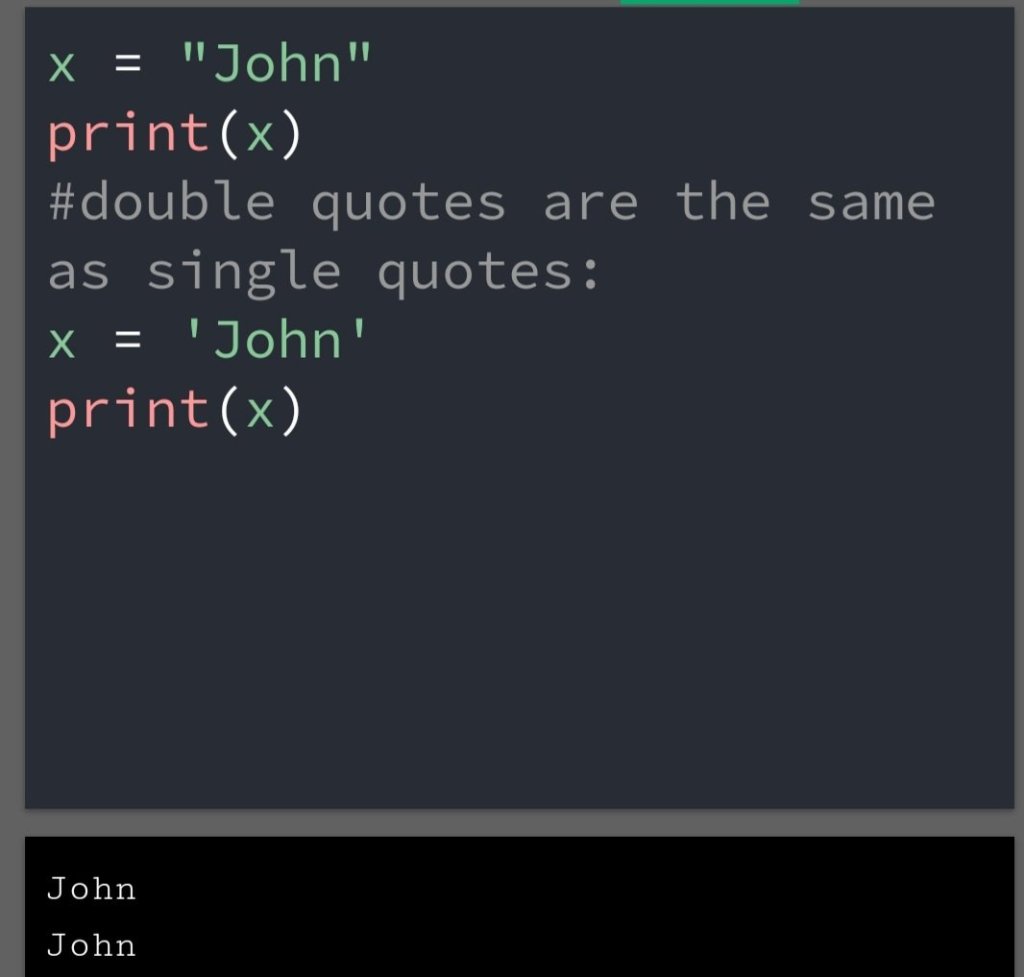
Single or double quotes?

A string variable can be declared by either double-quote or single-quote.

Another programming language has no facility of this type. In C double and single quotes are different meaning.

Example

Python string

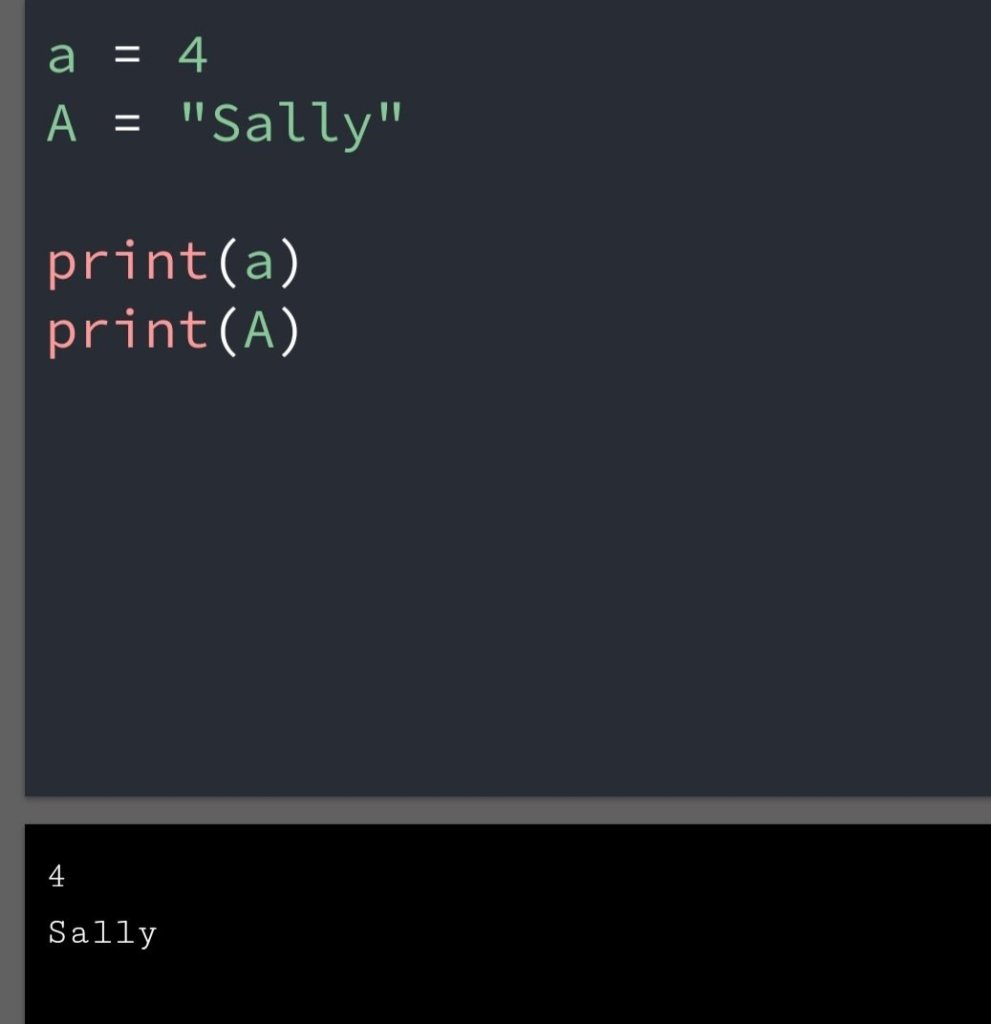
Case Sensitive

Python is case sensitive language.

You can’t use ‘a ‘ and ‘A’ as the same variable.  Both will give different output.

Example

Case sensitive

Multiple assignment

You can assign multiple variables to one value in python. In another programming language, it’s tough to call.

Example

a=b=c=10

print(a)
print(b)
print(c)
Output:
10
10
10

Summary:

• We have not to give any command to declare a variable in python.

Python variable has a facility of multiple variables at once.

• There is no difference in any single or double quote.

In short python has the ease and flexibility of declaring and creating variable in python.

See Also:

https://vipulkunwar503.code.blog/2021/06/13/python-syntax/

/https://vipulkunwar503.code.blog/2021/06/10/python-numbers/

Python Syntax- Rule of programming language

Rule :

Most of the things in the world are happening with a certain rule.

Language just English, Hindi, Marathi every language has rule.

The same python has some rule. they called syntax. The syntax has a value for every programming language.

They were made upon that base.

Python Syntax

Table of Contents :

• Execute Python Syntax

• Python Indentation

• Python Variables

• Python Comments

1. Execute Python Syntax

Syntax in Command line

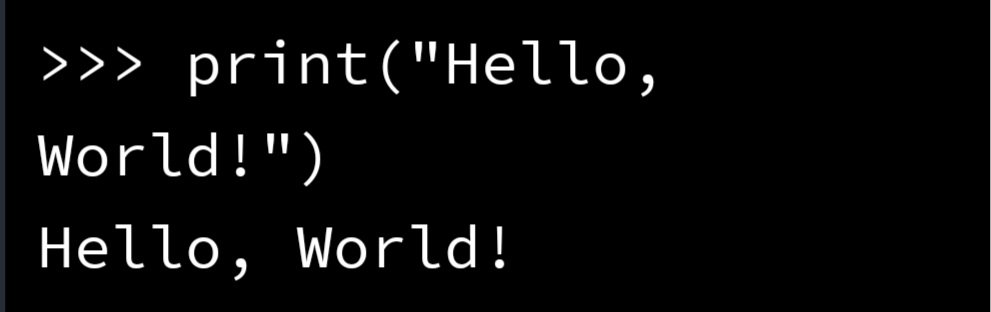
Python syntax can directly execute in Command-Line.

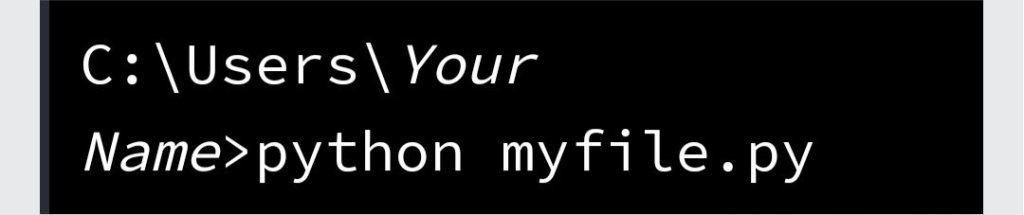
Also, execute in making a file and save it.

Using file

Python Indentation

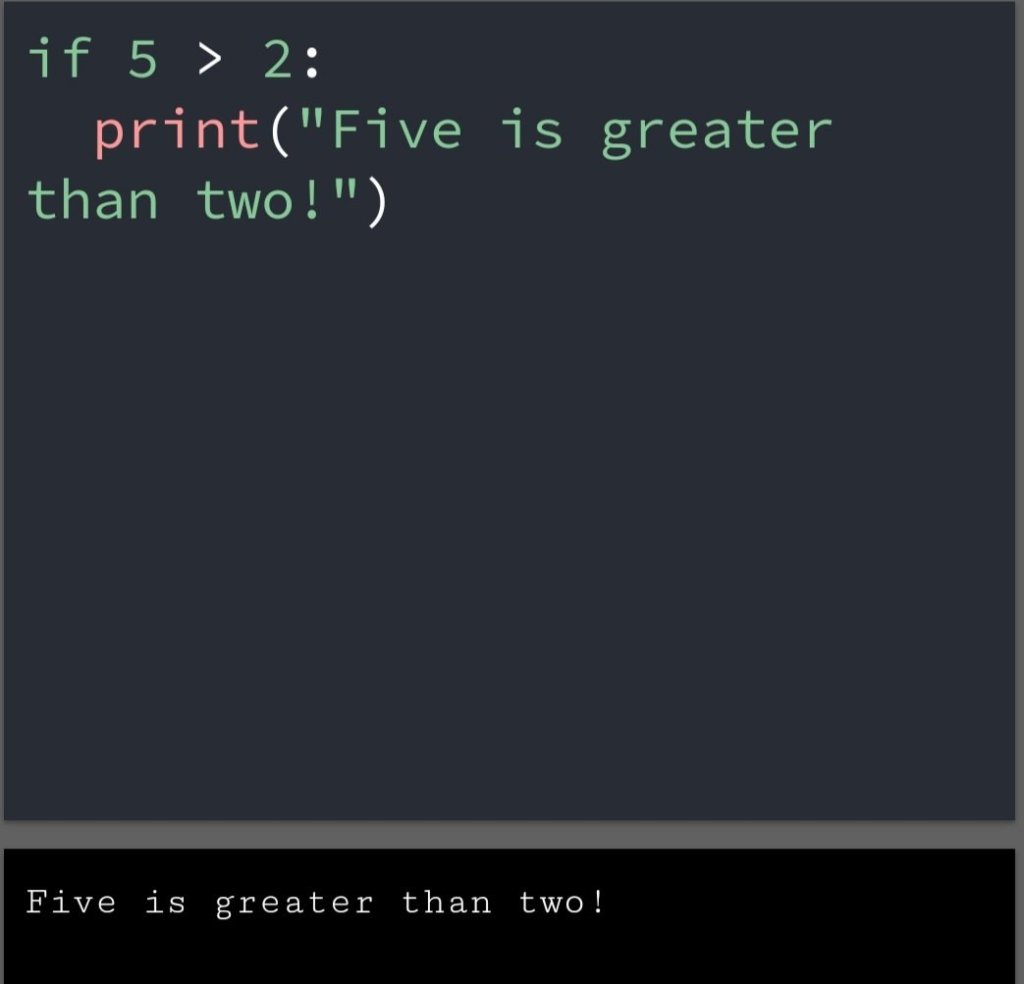
Indentation referring spaces at the beginning of the code line.

In another programming language Indentation use for purpose of readability.

In python, it represents the block of code.

Example

Python Indentation

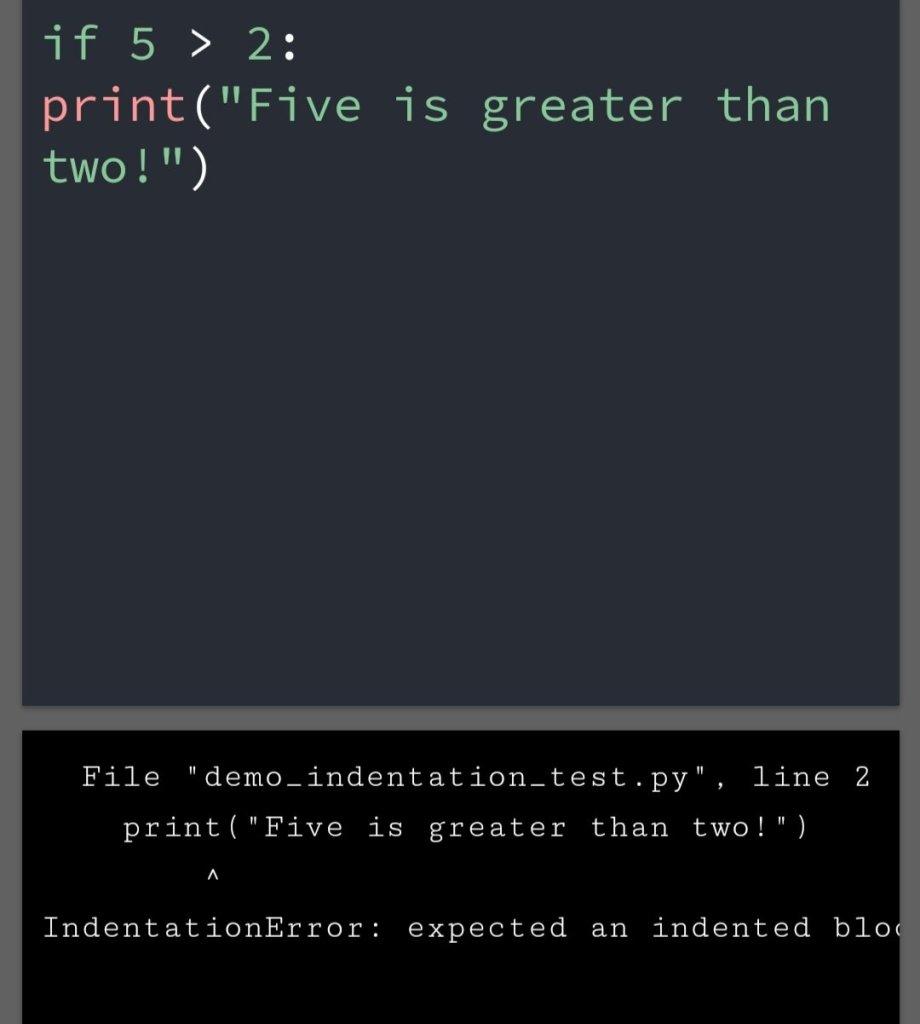
Python will give you an error if you missed an indentation because the second line of code separate from the first line.

Example

Indentation error ⚠️

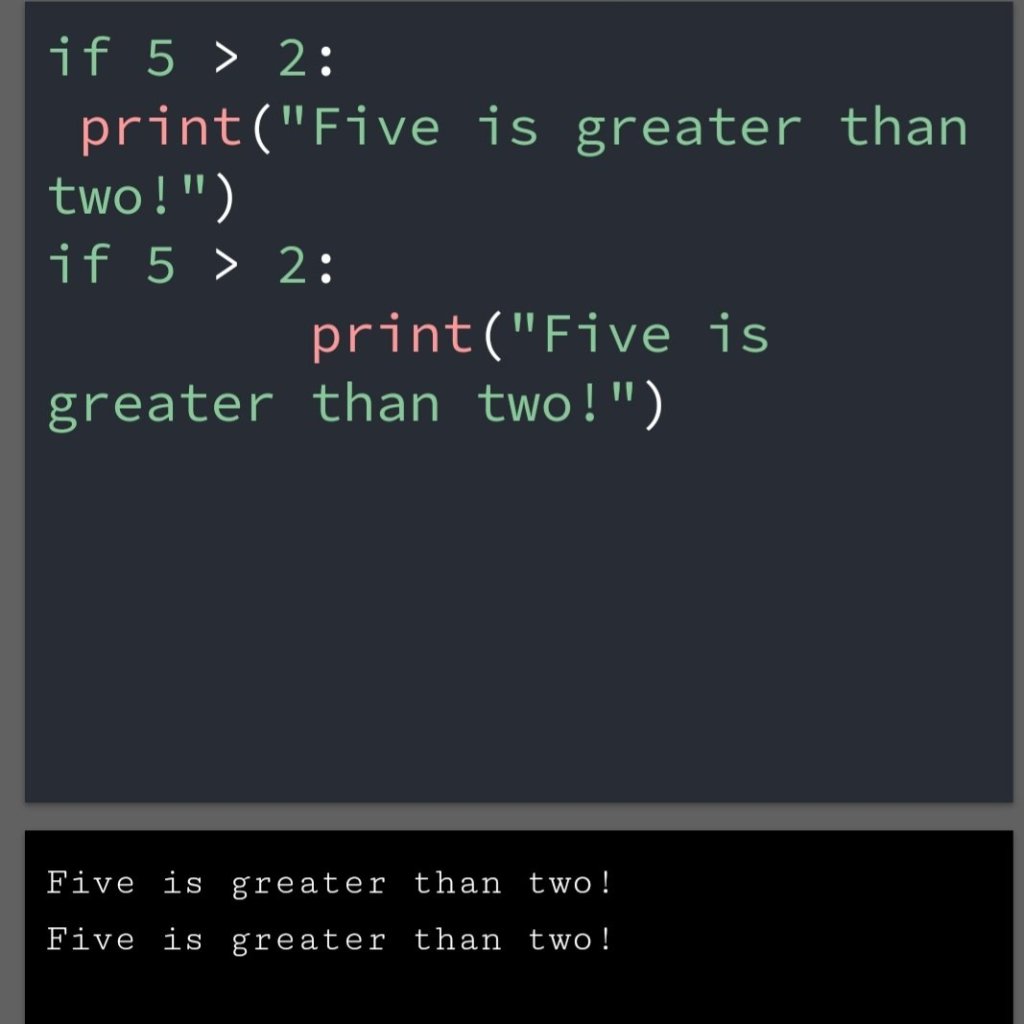
The number of spaces is up to you. I recommend giving 4 spaces because it is a python principle.

Example

Number of spaces

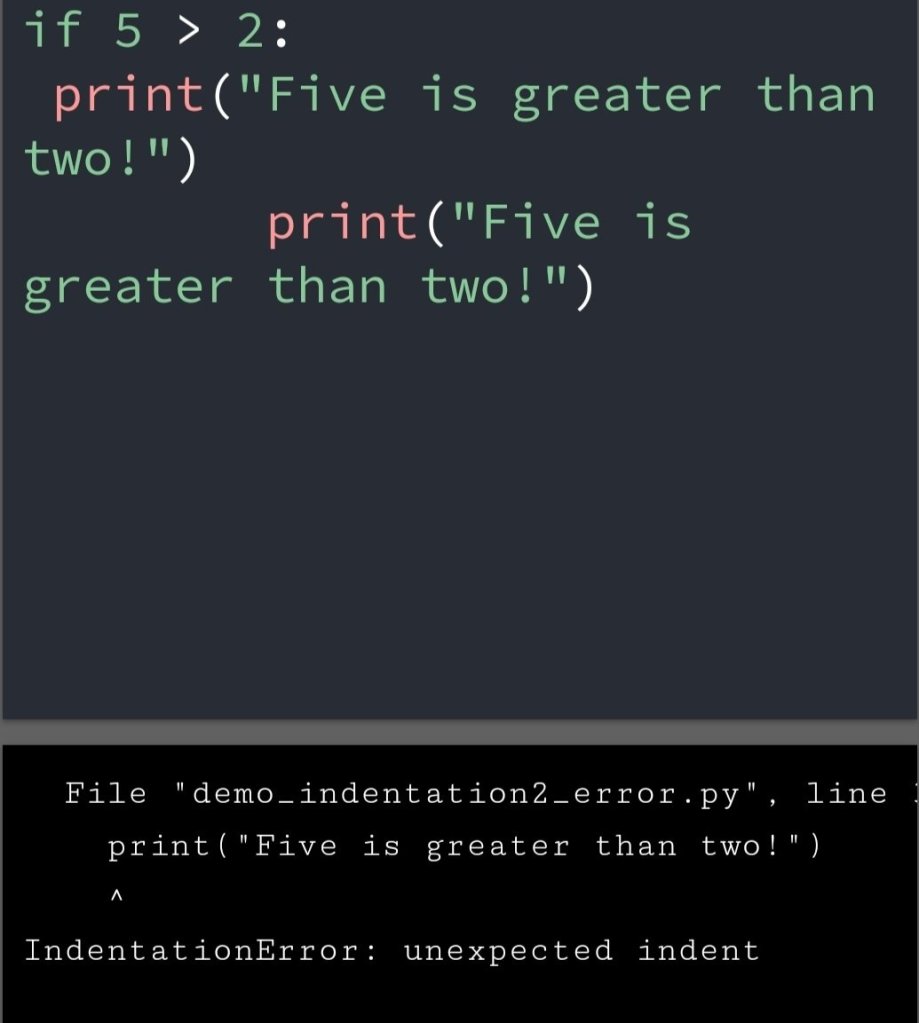
You have to use the same number of spaces in the same blog of code. Otherwise, Python will give you an error.

Example

Different spaces in same blog

Python Varibles

Python variable creates when you assign a value to it.

Example: Variables in Python

• We can declare a variable without a command in Python.

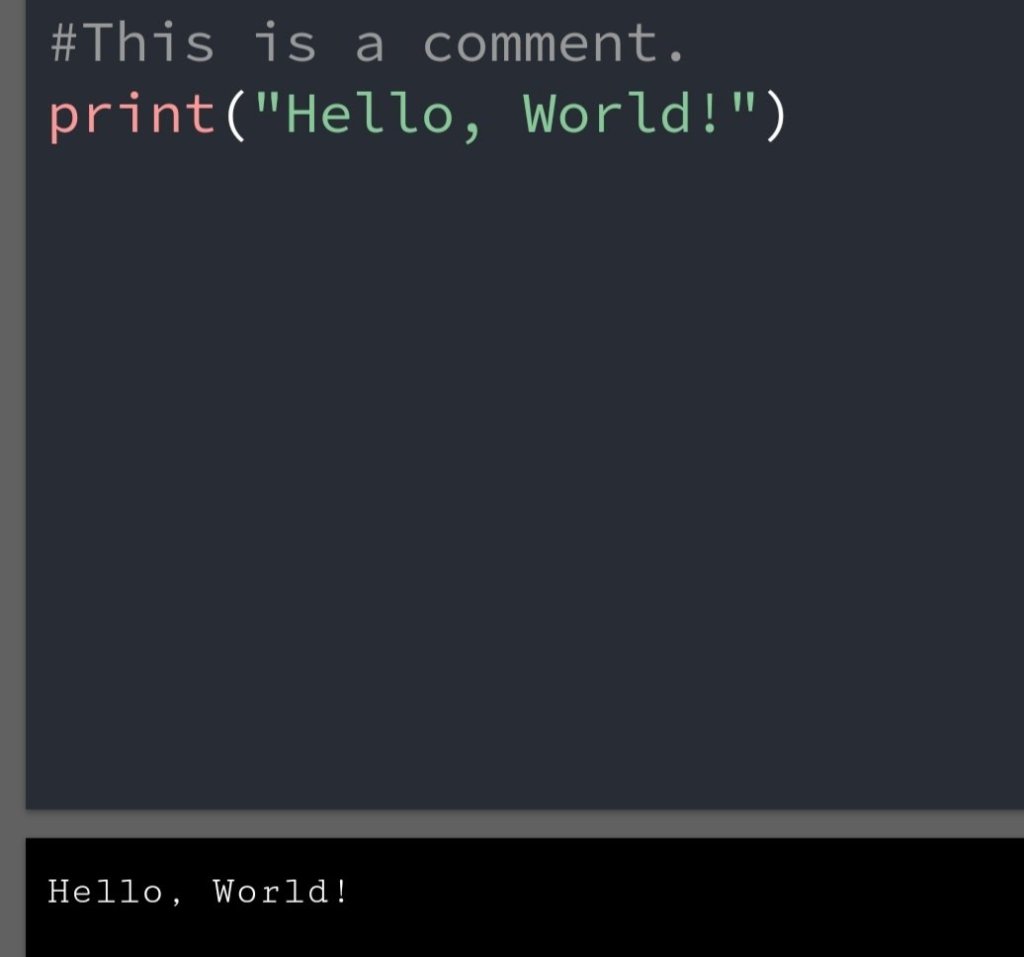
Comments

Comments are describing what we are doing in a particular line.

It starts with #. After # python renders the rest of the line as a comment.

Example:-

Mistakes You can make:-

• Taking spaces in code not seriously.

Remember one extra or less space can lose your 1hour or the whole day.

• Giving different spaces in a different block of code.

• Not using comments. Comments are used if you come after some time then you know what you have done previously.

Conclusion:-

Every programming language has its syntax. Python has an easy syntax comparison to other programming language. Easy to implement less confusion and execute on both command line and as a file.

Python Booleans: Check the truth value

Image credit: Real Python

Boolean Values

In a programming language, we use boolean values to check the truth value of the expression.

As a programming language python also uses boolean values.

We all use boolean when we comparing the two values or variable.

Boolean: in and if statement

When we run condition then a message or value print-based upon the True or False.

Example

Most Values are True

• Any value is evaluated to true if it is some sort of content.

• Strings are true, except empty string.

• Any number is True, except 0.

• Any list, tuple, set and dictionary are true, except’s empty ones.

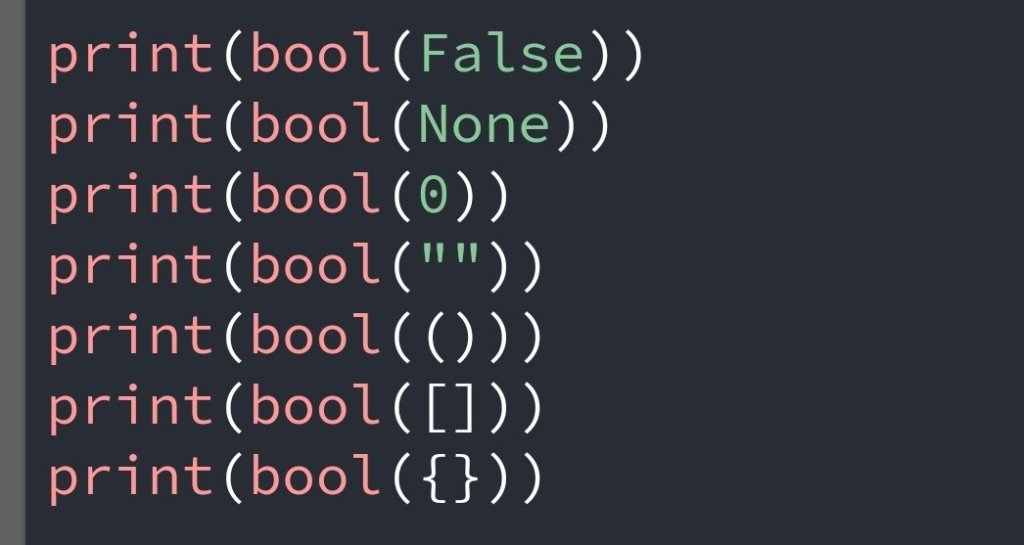
Some Values are False

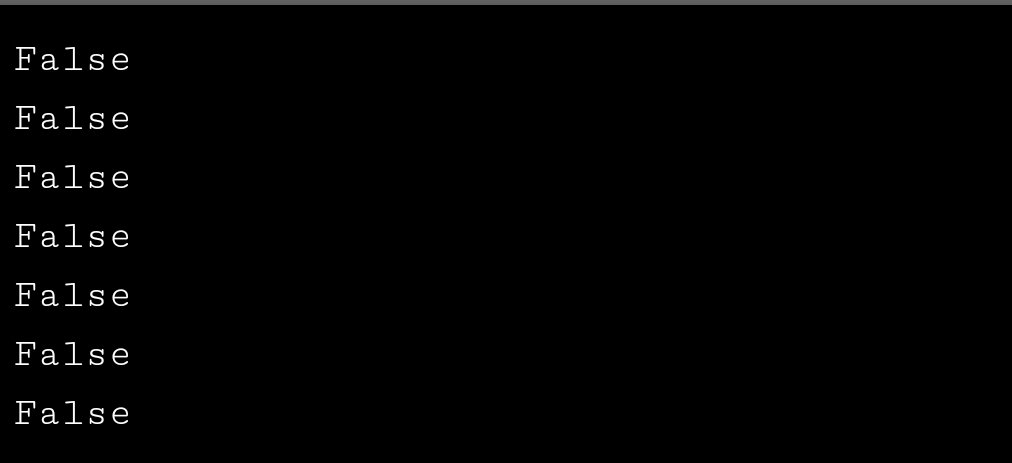
There are (),{},[],” “, the number 0 and the value None. And of course, the value False evaluated to False.

Example

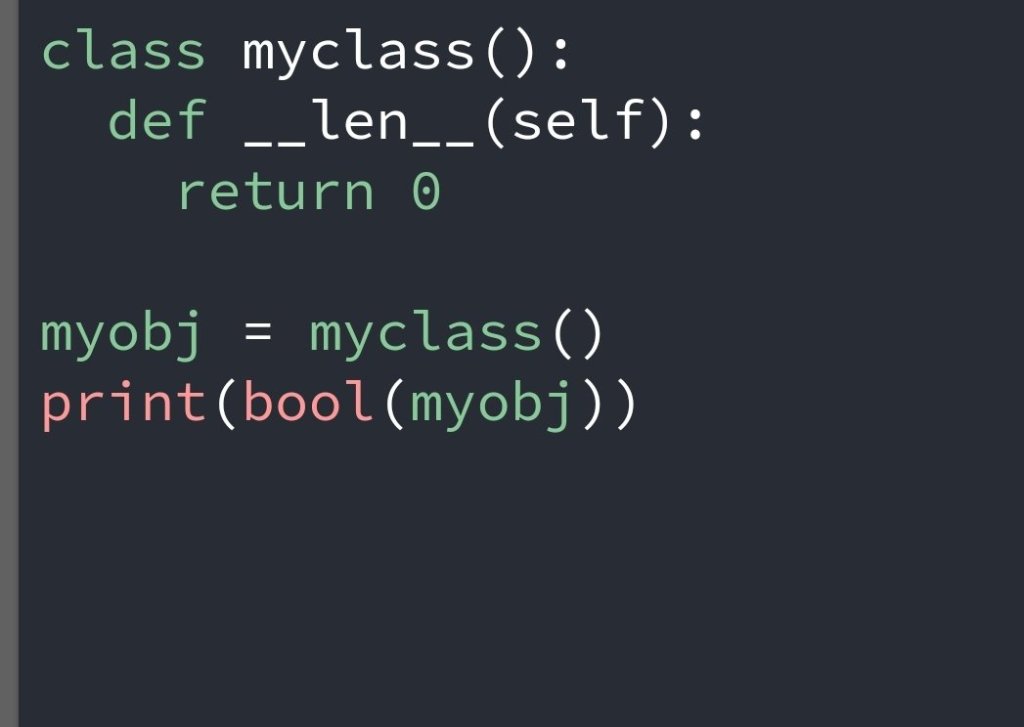
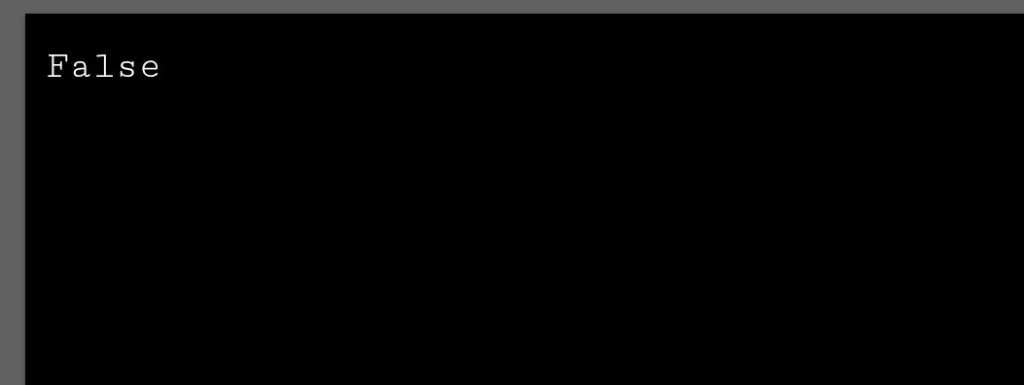
• One more values or object evaluated to false, if you have an object that is made from a class with __len__ function that returns 0 or False.

Example

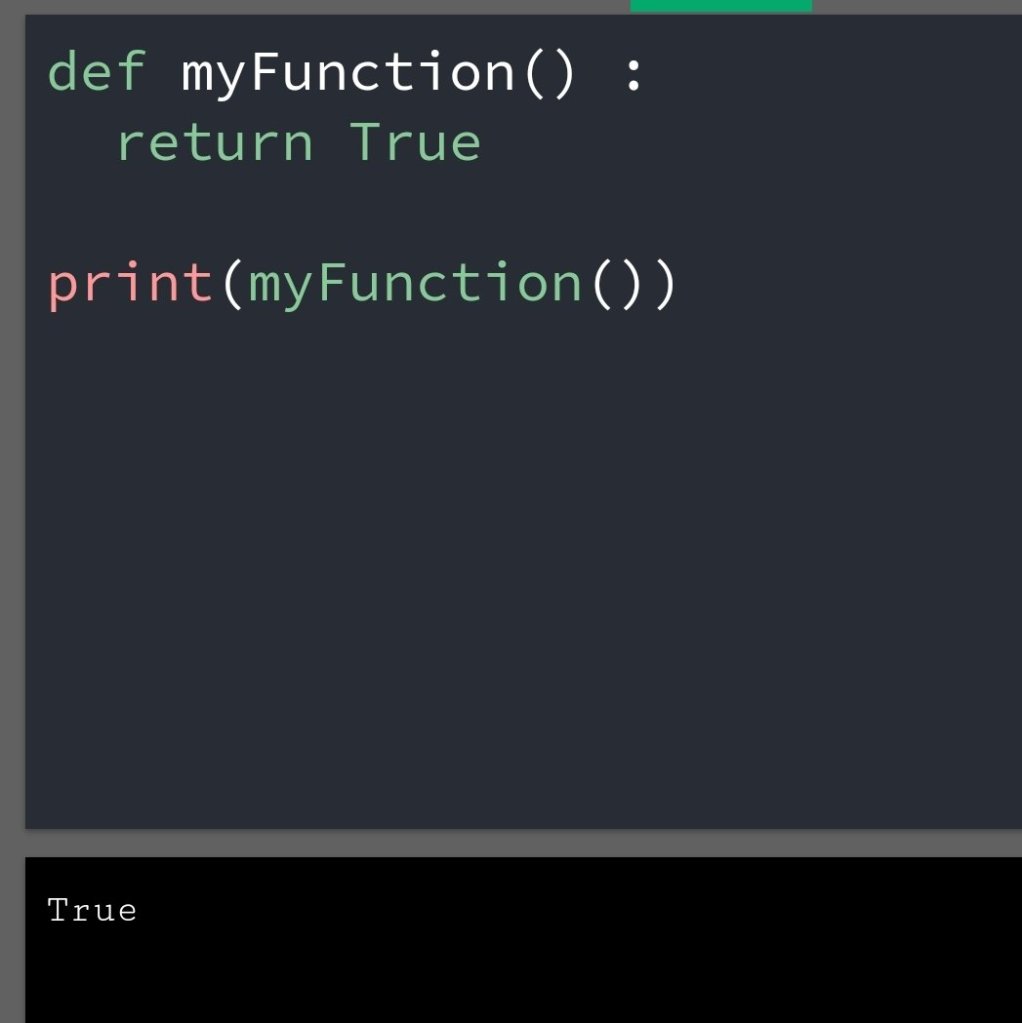
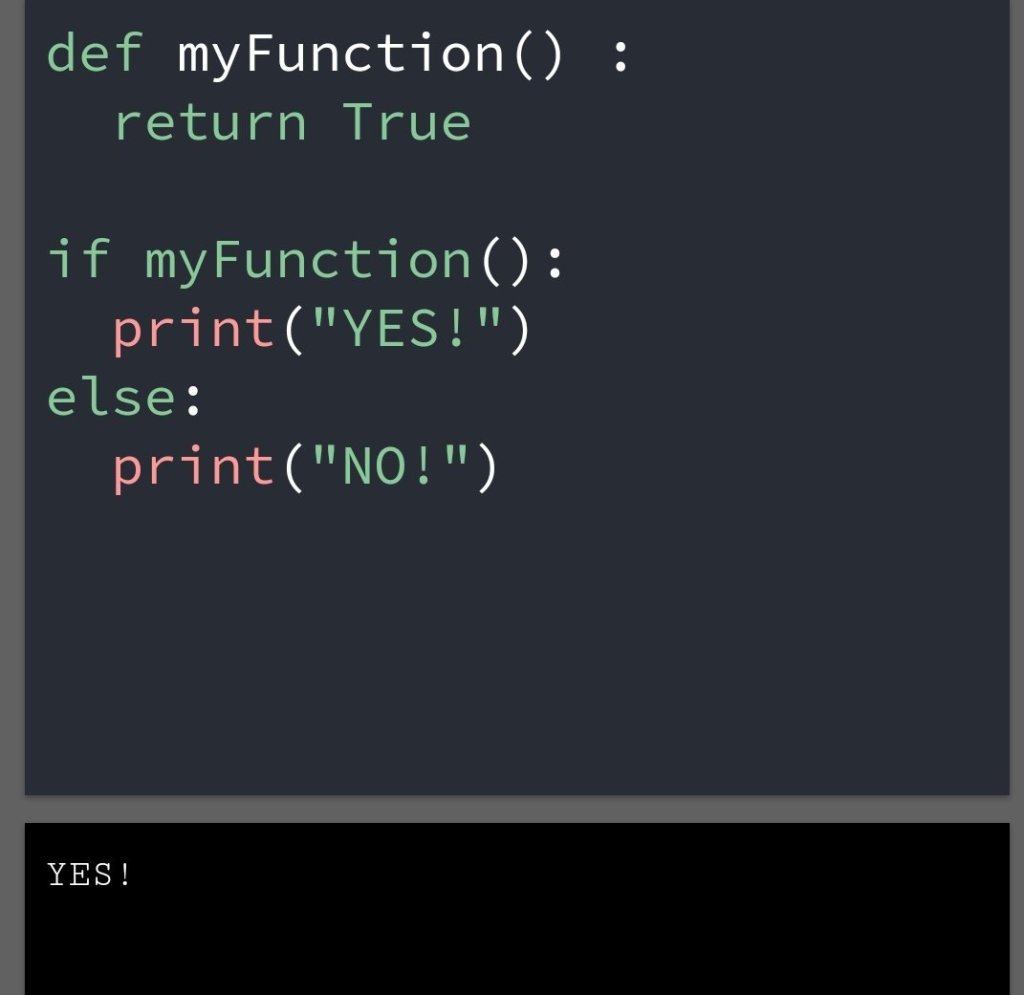
Function can return a Boolean

You can create a function that can return a boolean value.

• Code based on function can return a boolean answer.

Example

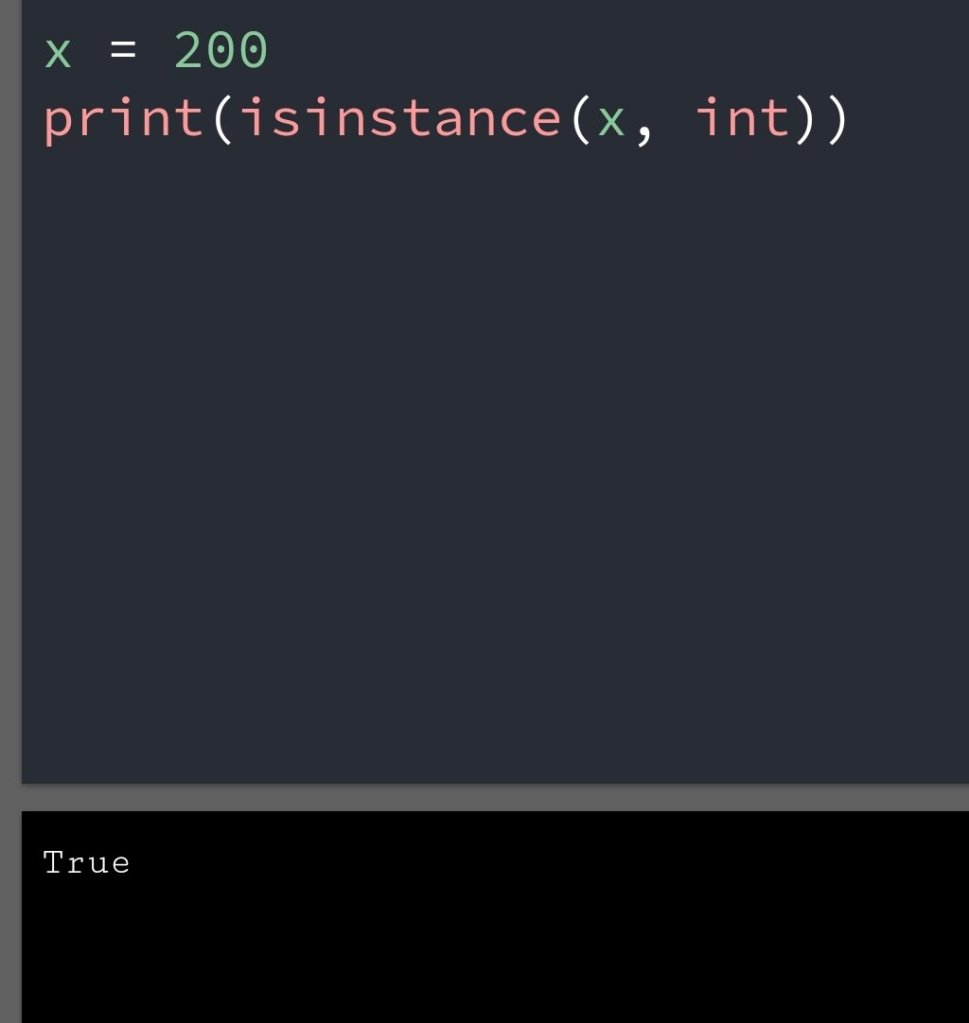
• Python has many built-in values that return a boolean value.

• Eg, the isinstance() function can determine if an object is a certain data type.

LIKE ME

Python Numbers

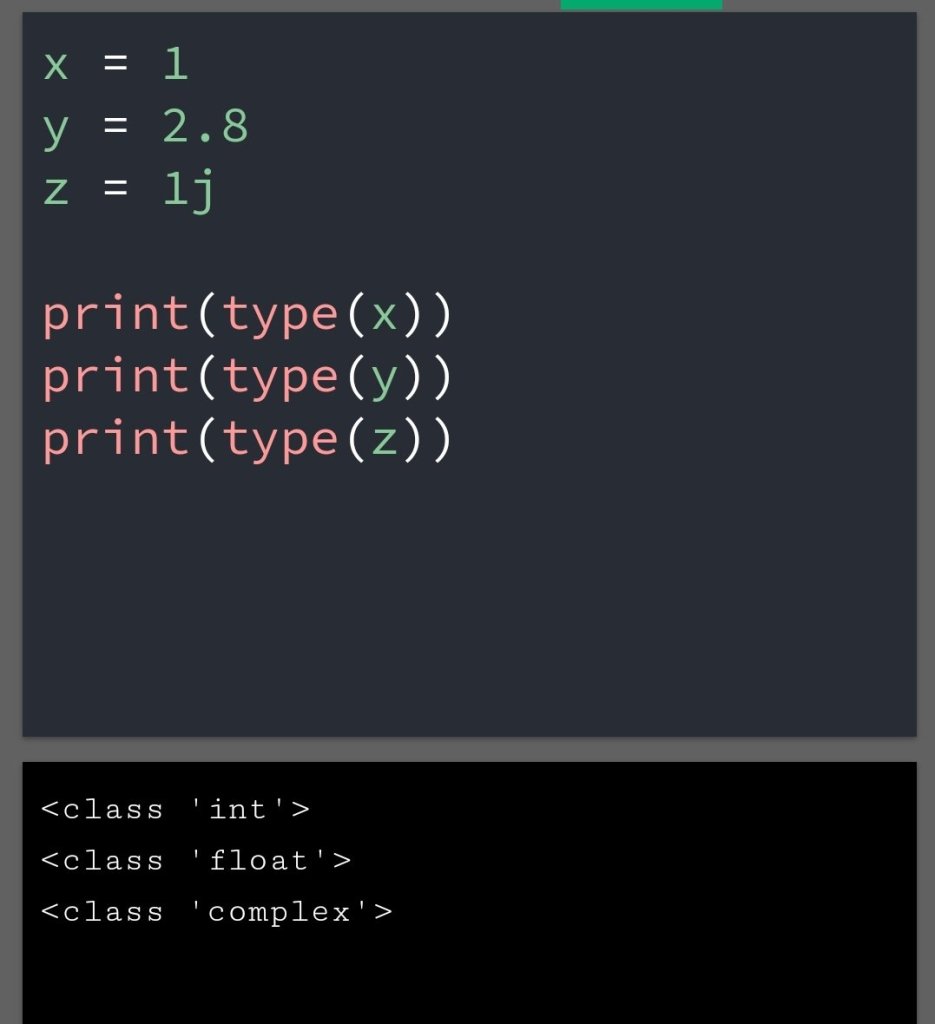
The numbers in python can be represented by :

int

float

complex

The Numeric type variable in python created when you assign value to them.

We can verify the type of any object in python, use the type() function.

Examples

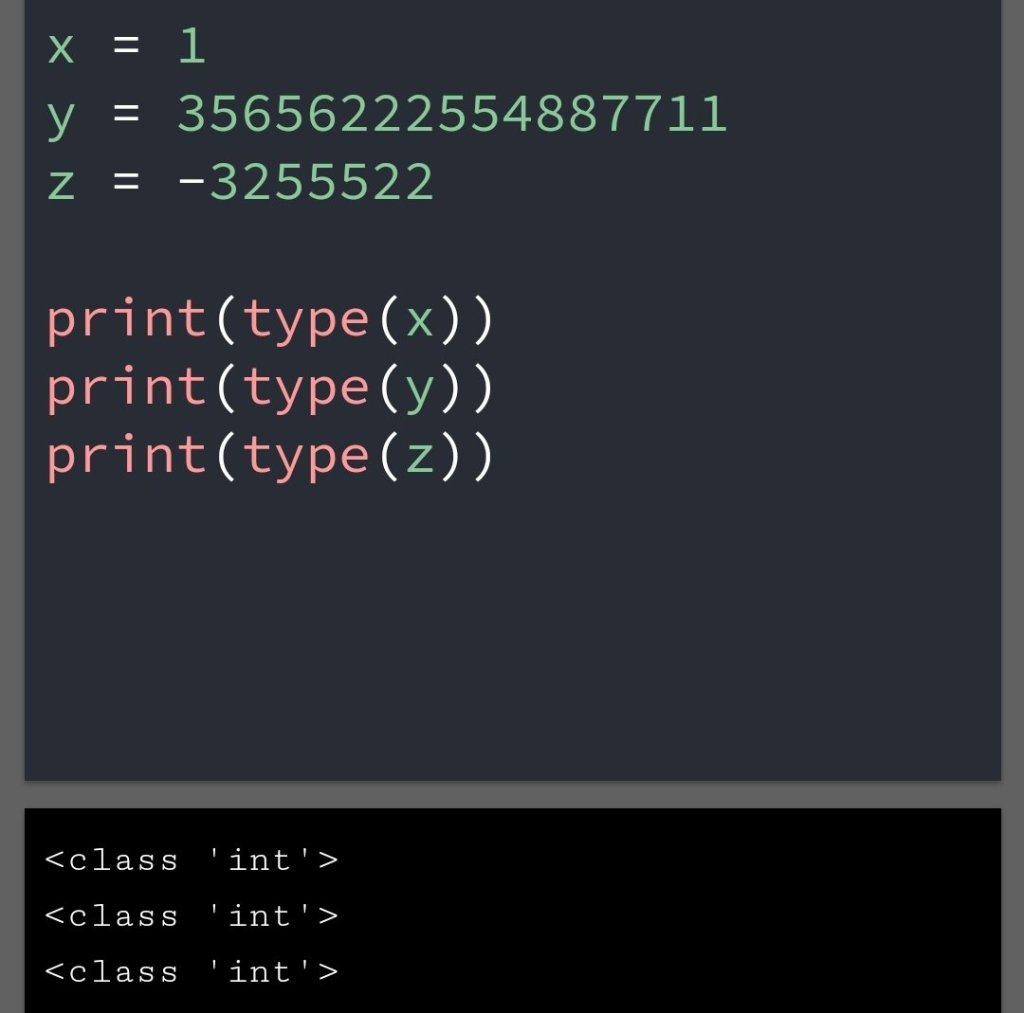
Int:-

Int, or integer, is a whole number, positive or negative, without decimals, of unlimited length.

Examples

Example of int

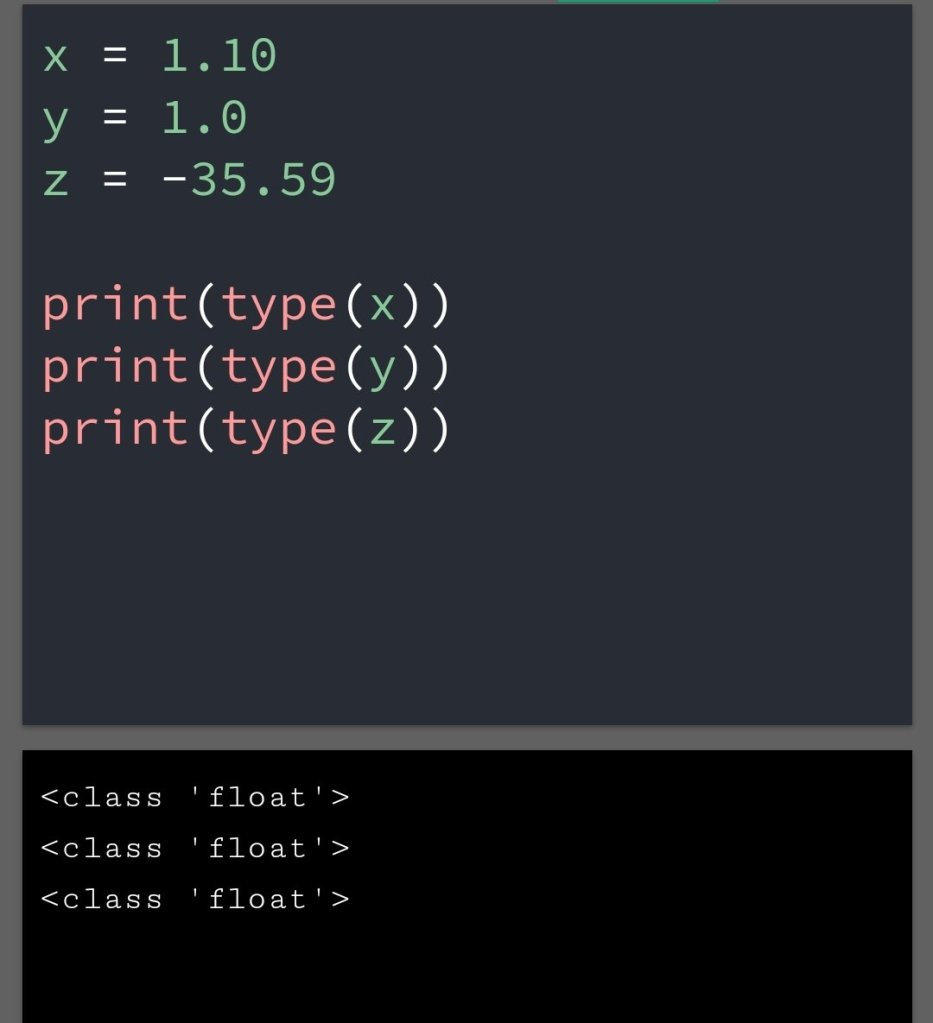
Float:-

Float numbers, positive or negative, containing one or more decimals.

Examples

Example of float

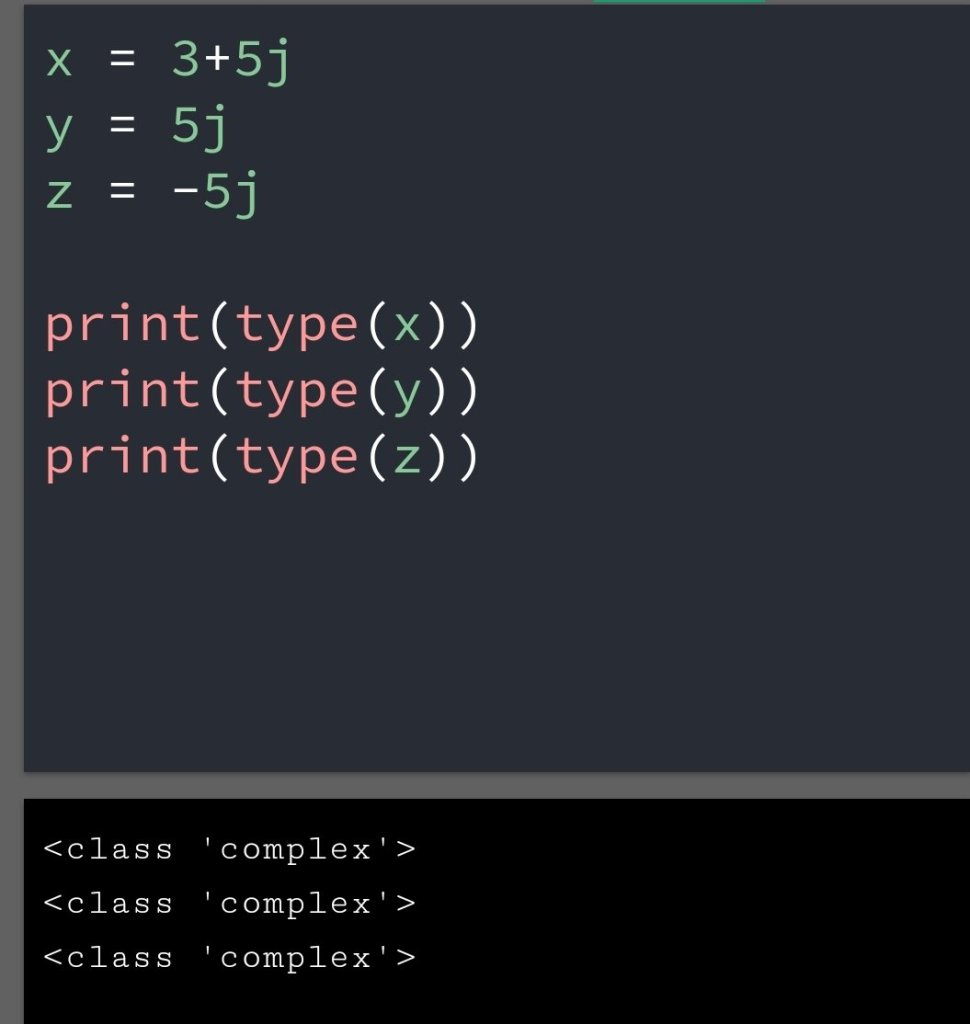
Complex:-

Complex numbers are written with “j” as the imaginary parts.

Examples

Example of complex number

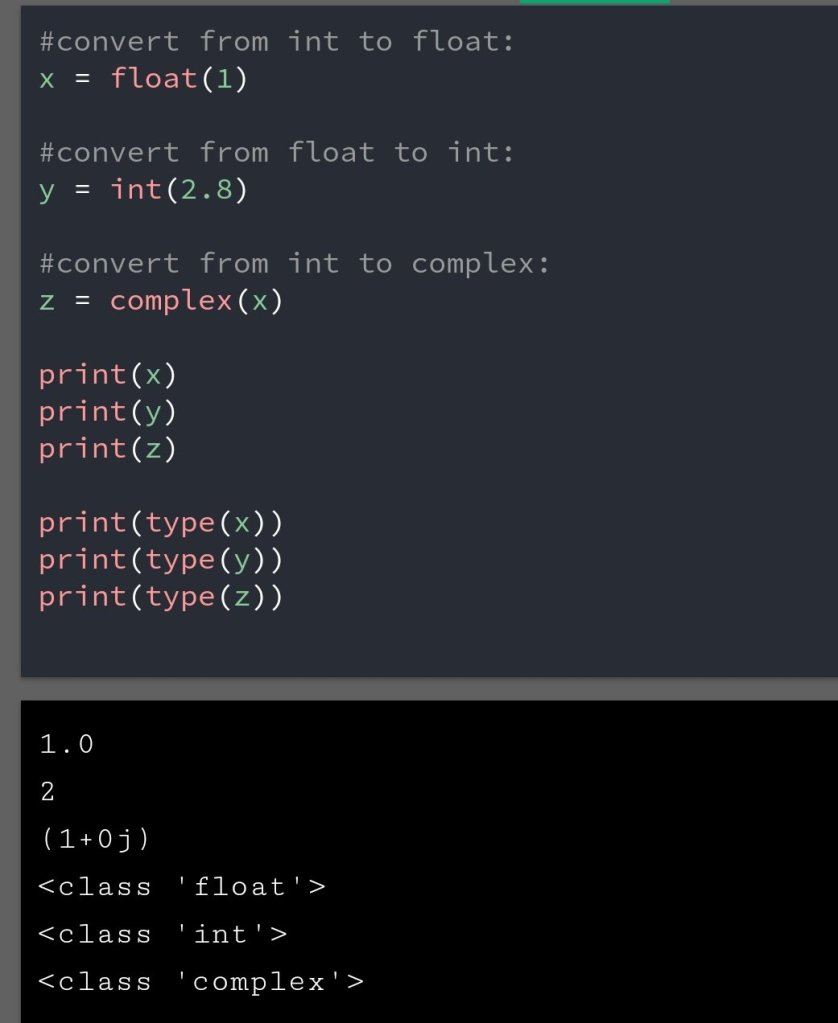
Type Conversion

You can convert one number to another using int(), float() and complex().

Examples

Type conversion

Note:- Complex numbers can’t convert to integer or float numbers.

Random Numbers

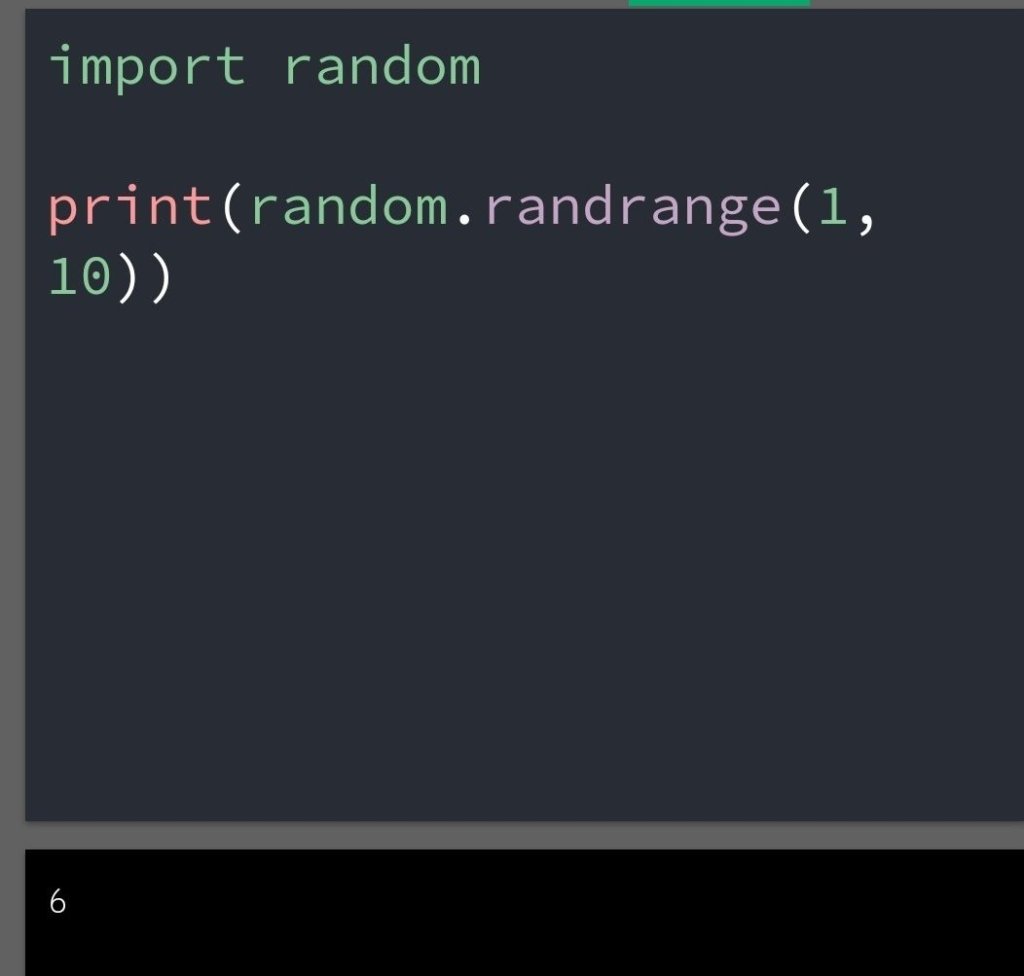
Python does not have a random() function to make a random number, but python has a built-in module called random that can be used to make the random number.

Examples

Example of random number

Conclusion:- The numbers can convert from one number to another number using int(), float(), complex(). The complex number can’t convert to int or float.