We have seen the server of learning_log project. In this project we are going to start a new app which will connect to learning_log project. The reason of doing this one project created by small groups of folder. The name of app is learning_logs. In this app we will create a admin page.
To start we will use following command:-
1) First you have to check virtual environment is active or not ?
■How you will check ?
.venv mention in your path
.venv\User\learning_log >
■ if not mentioned ?
Activate – >>>.venv\Scripts\activate
2) >>>django-admin.py startapp learning_logs
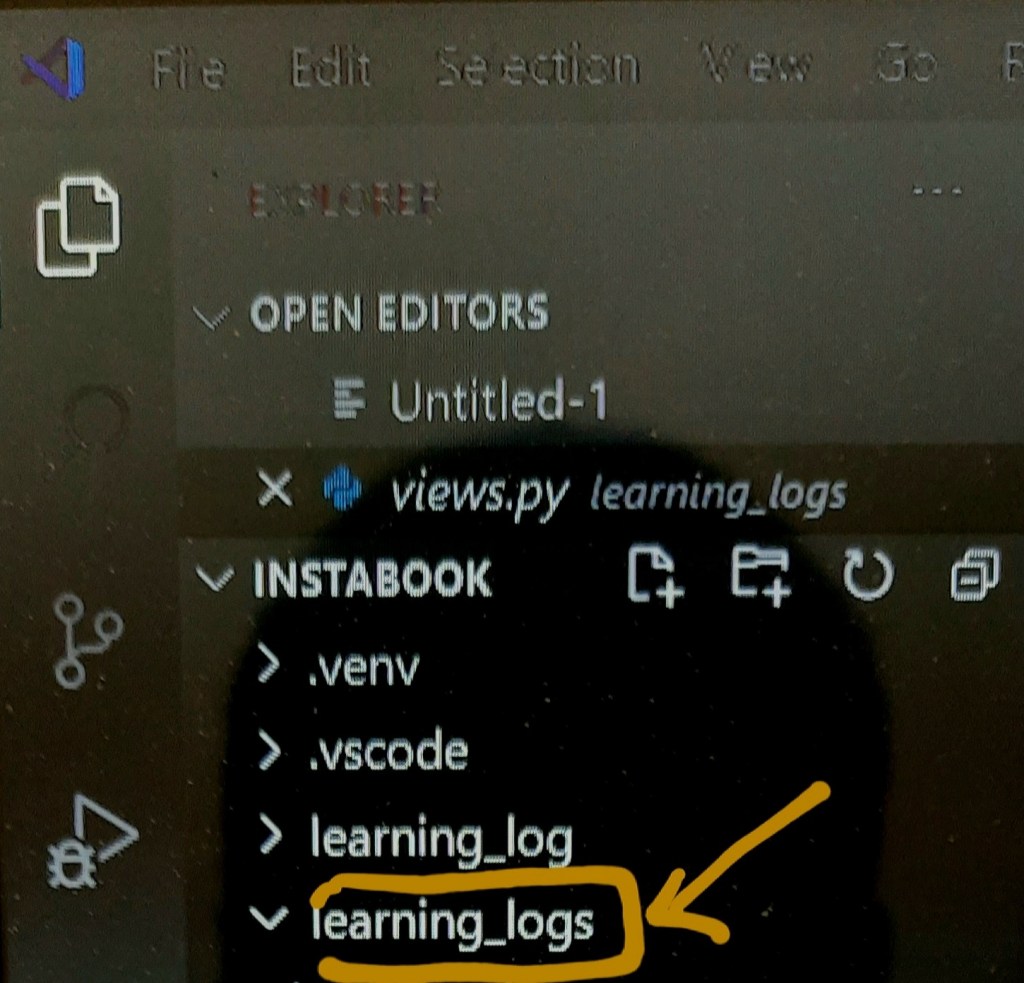
Giving this command the new folder created with name learning_logs.
3) Make models
models tell django how to work with data that will store in app.Code-wise, a model is just a class; it has attributes and methods, just like every class we’ve discussed.
So,first we have import the models. first open learning_logs/models.py .When you will open this file you will see something like this —
models.py

 from django.db import models
 # Create your models
    here.
Here the models for topics user will store
from django.db import models

class Topic(models.Model):
    """A topic the user
    is learning about"""

   ➊    text = models.CharField(max_length=200)
   ➋     date_added = models.DateTimeField(auto_now_add=True)
   ➌   def str(self):
        """Return a
         string
         representation
         of the model.
         """
       return self.text
We’ve created a class called Topic, which inherits from Model—a parent class included in Django that defines the basic functionality of a model. Only two attributes are in the Topic class: text and date_added.
At ➊ you use CharField when you want to store a small amount of text, such as a name, a title, or a city.
When we define a CharField attribute, we have to tell Django how much space it should reserve in the database. Here we have given max length 200.
At ➋ have created timestamp to see the date – time of topics for order in entry.
At ➌ Django calls a str() method to display a simple representation of a model. Here we’ve written a str() method that returns the string stored in the text attribute ➌.
4) Connect learning_logs app to project learning_log.
1) Go to settings.py
2) In setting see the section Installed_apps.
3) Include ‘learning_logs’ app in this section.
5) Create a database
Creating a database is necessary to store the data in app. We will make migrations to make a space. Then we will migrate the data.
>>>python manage.py makemigrations
>>>python manage.py migrate
Whenever we want to modify the data that Learning Log manages, we’ll follow these three steps: modify models.py, call makemigrations on learning_logs, and tell Django to migrate the project.
 Mr.Python